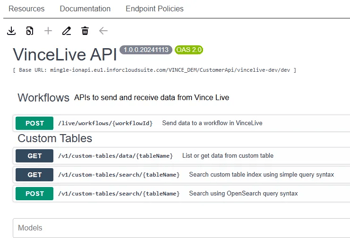
To be able to communicate between Vince Platform and Infor OS you must set up Vince Platform API's as available API's in Infor ION API.
Prerequisites
-
An OpenAPI or Swagger file for Vince Platform, can be downloaded here
-
Vince Platform API Client ID and Client Secret, configured in Vince Platform UI (Meny ⇒ API Clients)
Step-by-step guide
-
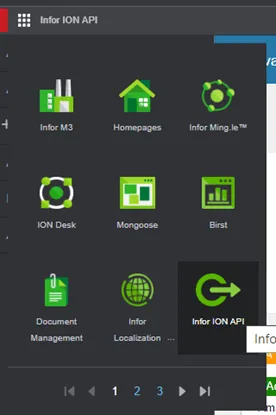
In Infor OS, go to Infor ION API (On-prem) or API Gateway (MT)
-
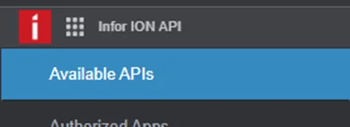
Go to Available APIs
-
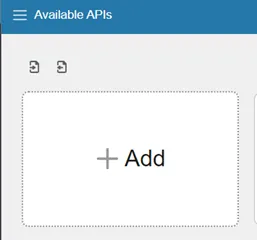
Click ➕ Add to add a new API
-
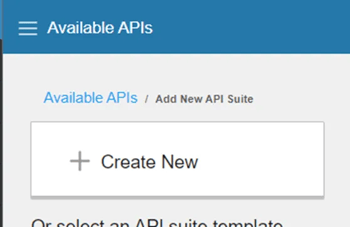
Click Create New
-
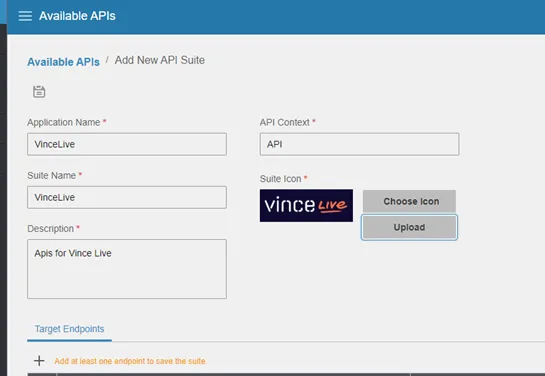
Enter Application Name, API Context, Suite Name, Description, and add a select a Suite Icon
-
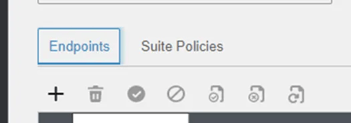
Add an endpoint by clicking ➕
-
Set the Vince Platform endpoint URL
Production URL is
https://api.vince.liveIn this example we use the endpoint for the Demo Staging environment
https://api.staging.vincelive.dev/live
-
Set the Proxy Context
This determines the internal URL path for the Vince Platform API endpoint. This only affects the internal ION API Gateway path to the endpoint. We suggest using
api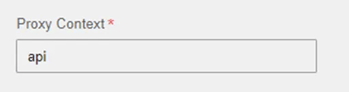
-
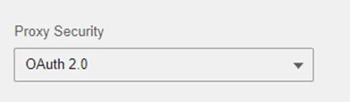
Set Proxy Security = OAuth 2.0
-
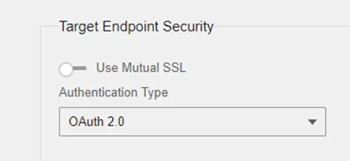
Set Target Endpoint Security/Authentication Type to OAuth 2.0
-
Set the Token Endpoint
Use the URL
https://{tenantId}.auth.eu-central-1.amazoncognito.com/oauth2/token. Replace{tenantId}with your Tenant ID which you can find in Vince Platform UI, by going to Administration ⇒ Company settings when logged in.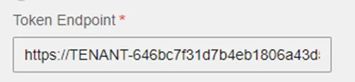
-
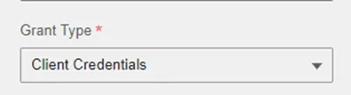
Set Grant Type to Client Credentials
-
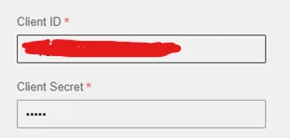
Set Client ID and Client Secret
-
Click the Save icon up top

-
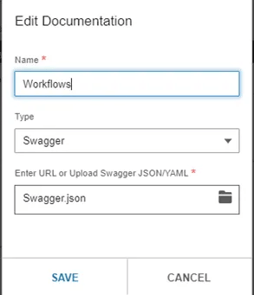
In the Documentation tab, click the ➕ to add the OpenAPI/Swagger file for Vince Platform
The Name is irrelevant. Type must be Swagger
-
A list of transactions are now shown in the Documentation tab.