



VINCE APP BUILDER
Build it with AI, deploy it without.
Stop waiting months for custom development. Describe what you need, and App Builder generates a secure, ready-to-deploy app on the spot — no coding required.
Trusted by Plantasjen, Aggreko, and more
THE PROBLEM
Custom apps on M3 take months.
That's no longer acceptable.
What is SOD in Infor M3?
When working with Infor M3, you have to be able to document that your users don’t have conflicting functions, like being able to both change customer records and approve customer payments. The only way to document this is through a SOD analysis.
Without App Builder
With App Builder
Long development cycles
A simple process app requires developers, sprints, testing, and deployment - often 2-6 months before anything is in users' hands.
Apps built in minutes, not months
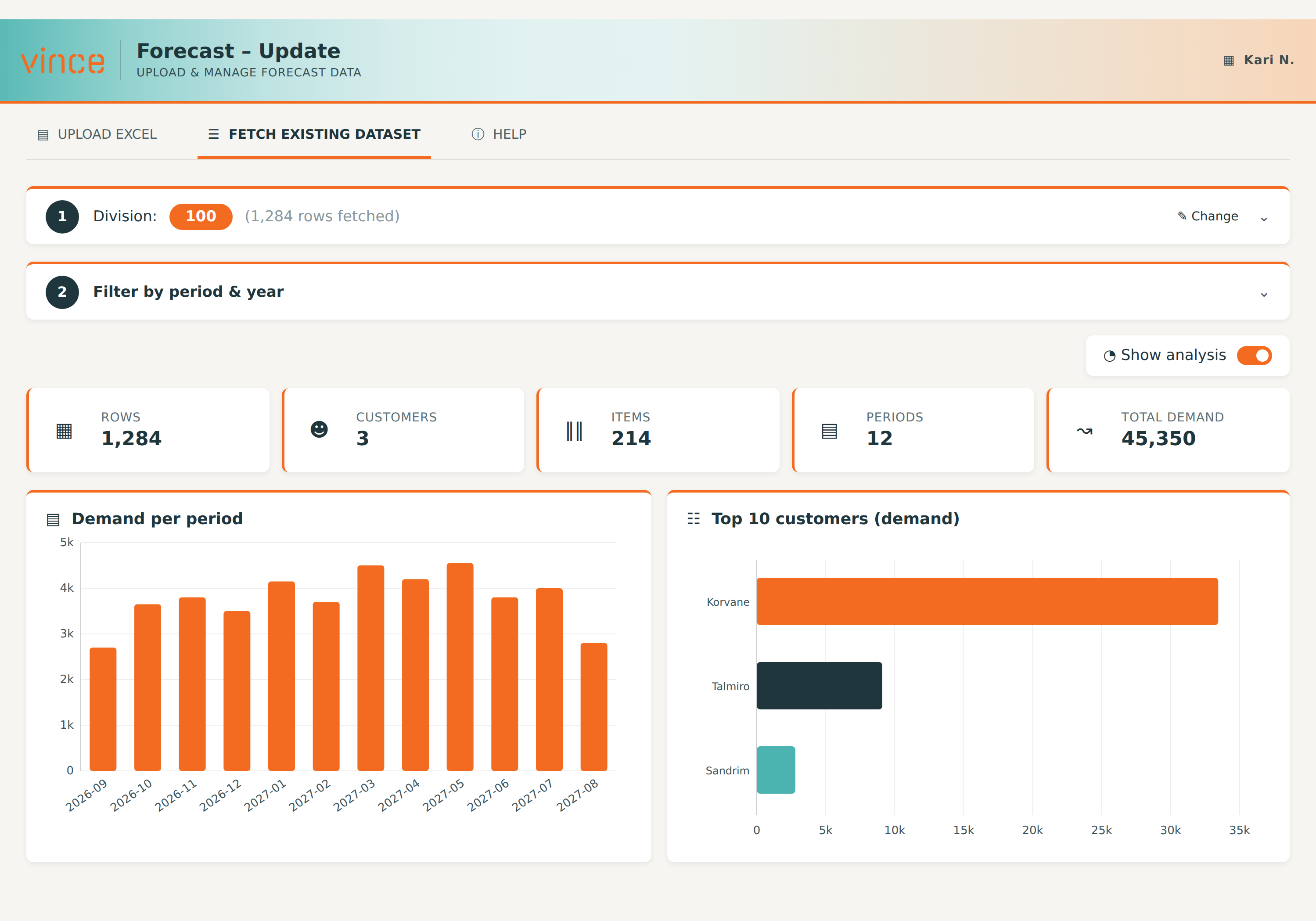
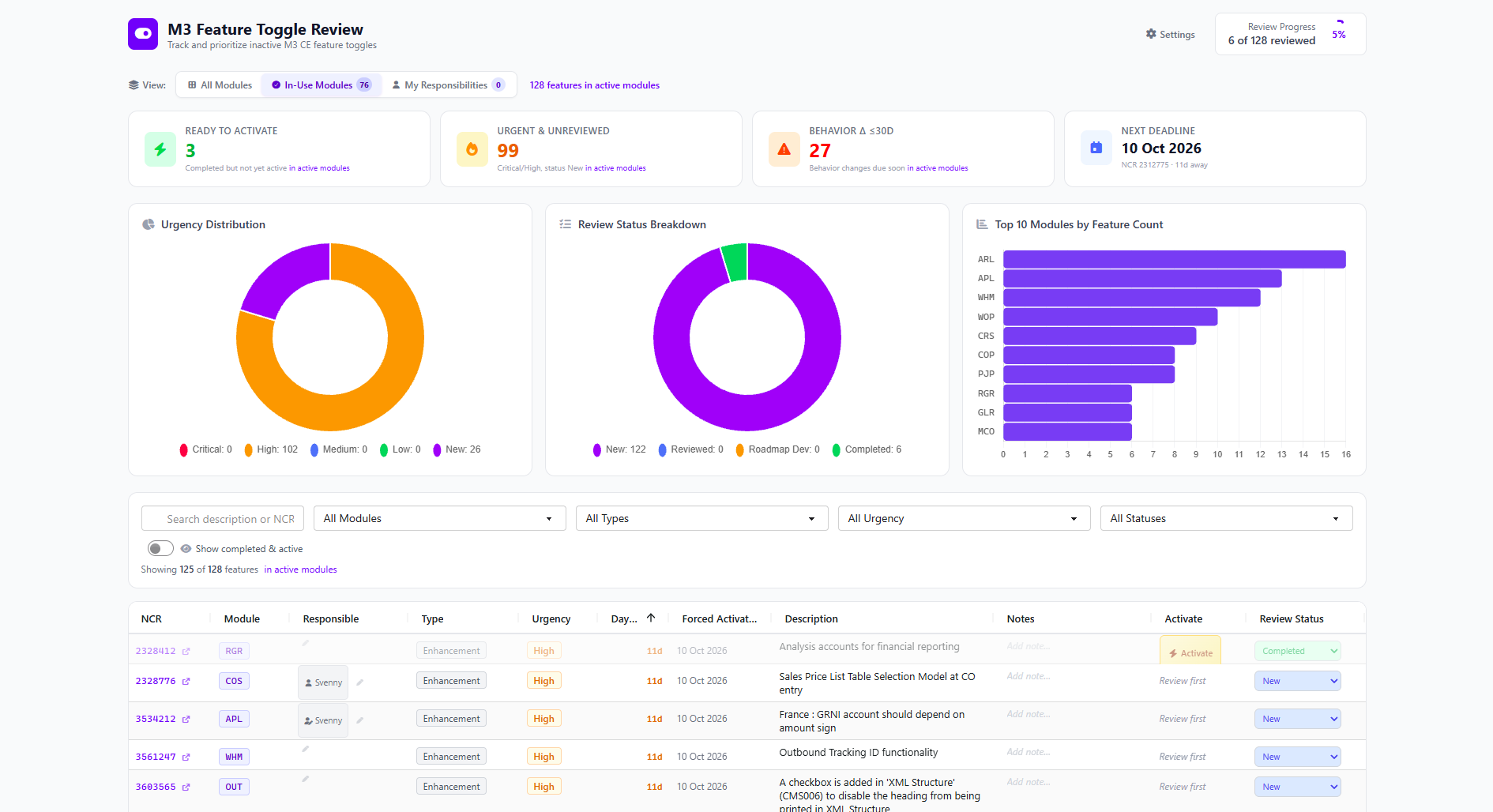
Describe what you need in plain language. App builder generates a fully functional app against your live M3 data immediately.
High cost for small improvements
IT backlogs mean even quick wins - a form, a checklist, a workflow interface - get queued behind larger projects indefinitely.
Business users build, IT approves
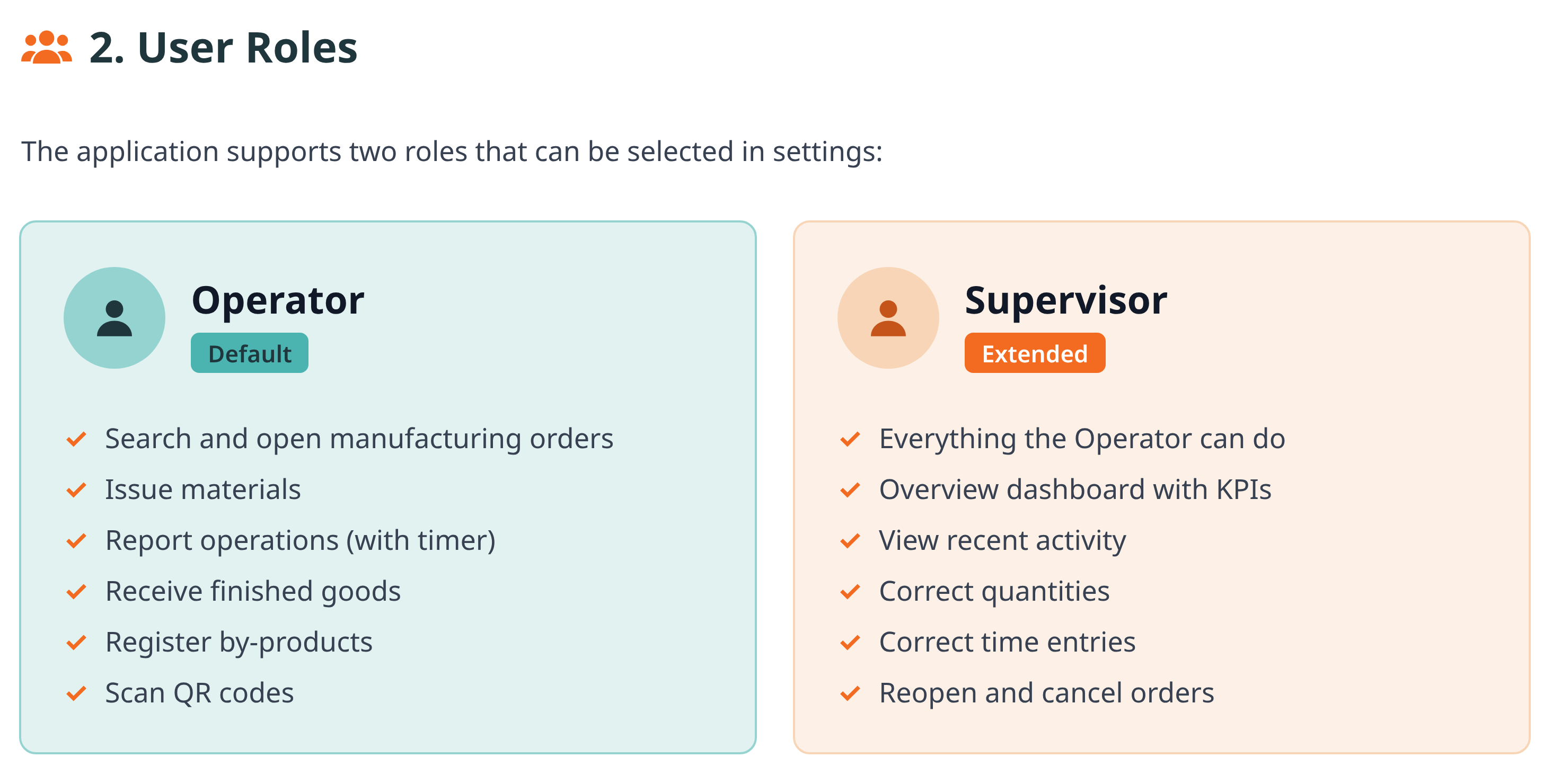
Operations teams create apps themselves. IT retains full control through Vince Platform's roles and permission system.
Knowledge locked in expert heads
Operations teams know exactly what they need, But translating that into a working app requires developers, and something always gets lost.
Processes that evolve with your needs
Edit, extend, or regenerate any app at any time. No vendor dependency, no change request queue.
HOW IT WORKS
From idea to deployed app in three steps.
No code. No configuration files. No waiting for IT.
STEP 01
No code – just conversation
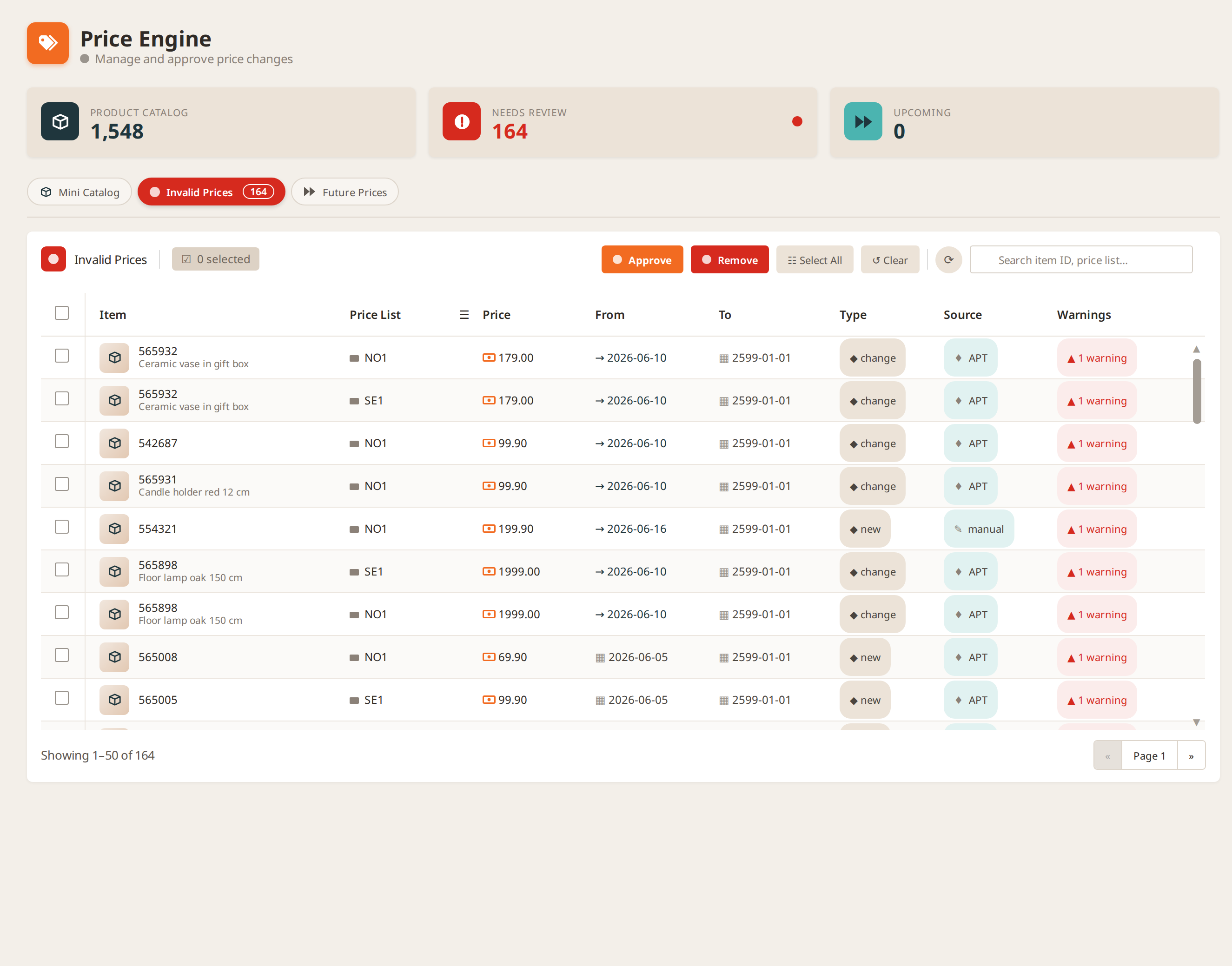
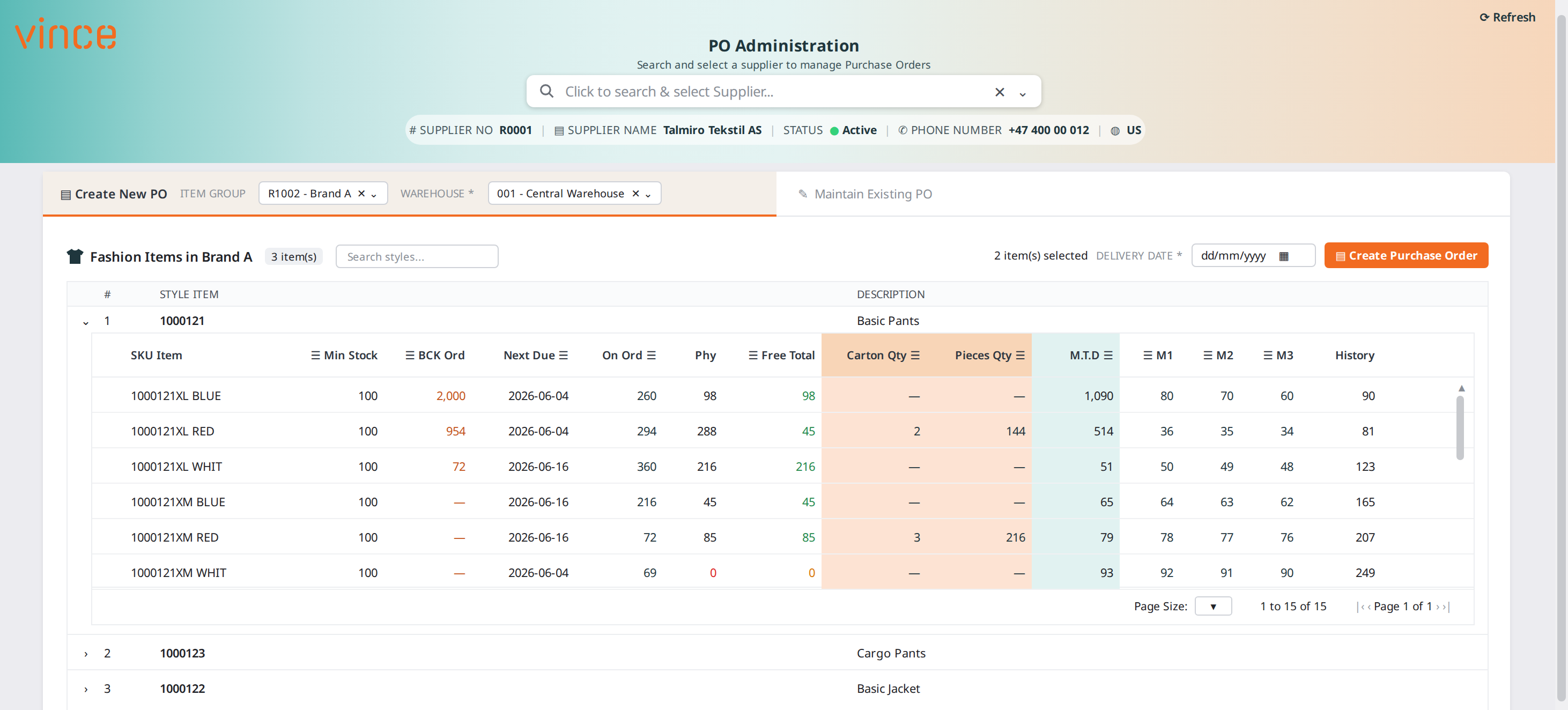
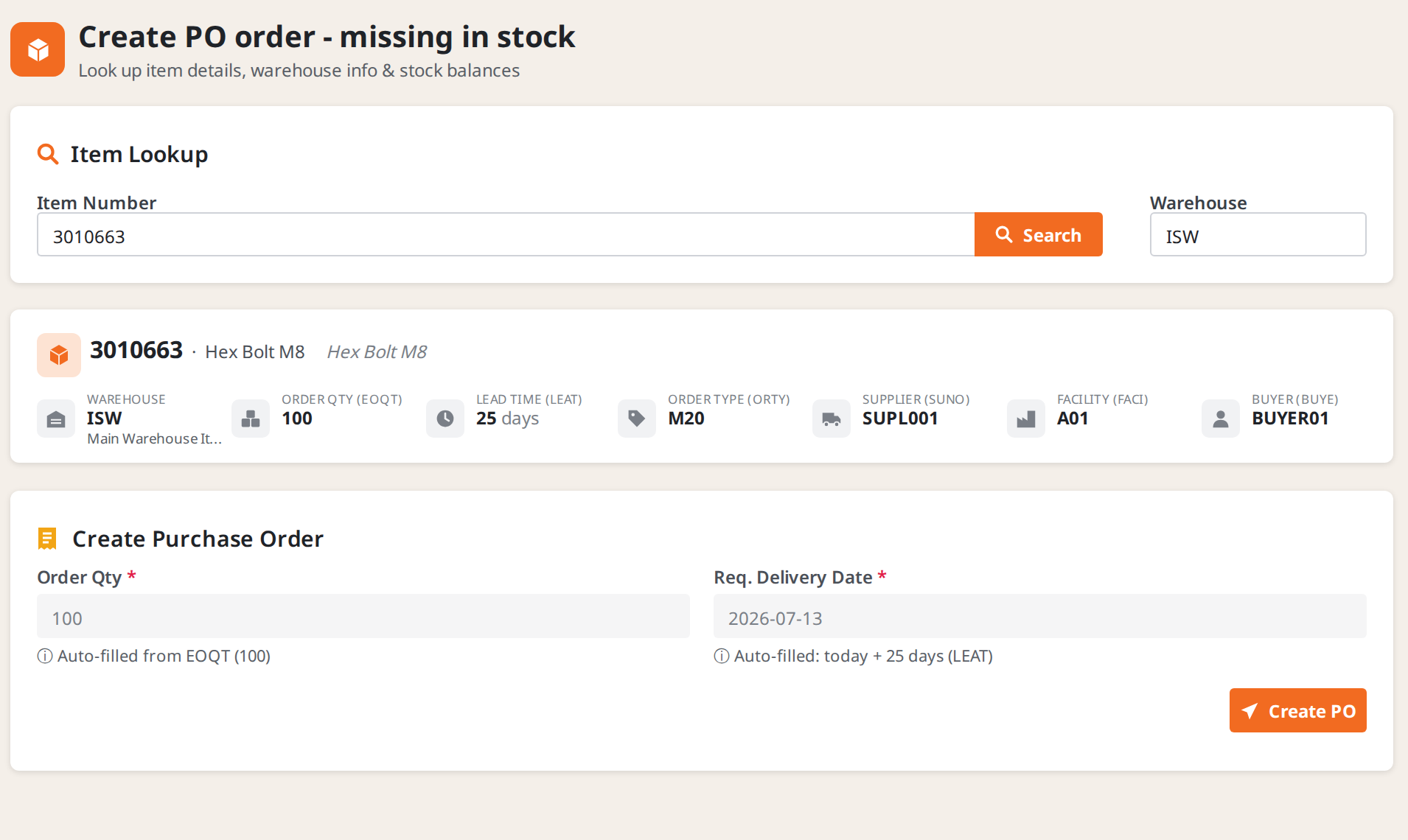
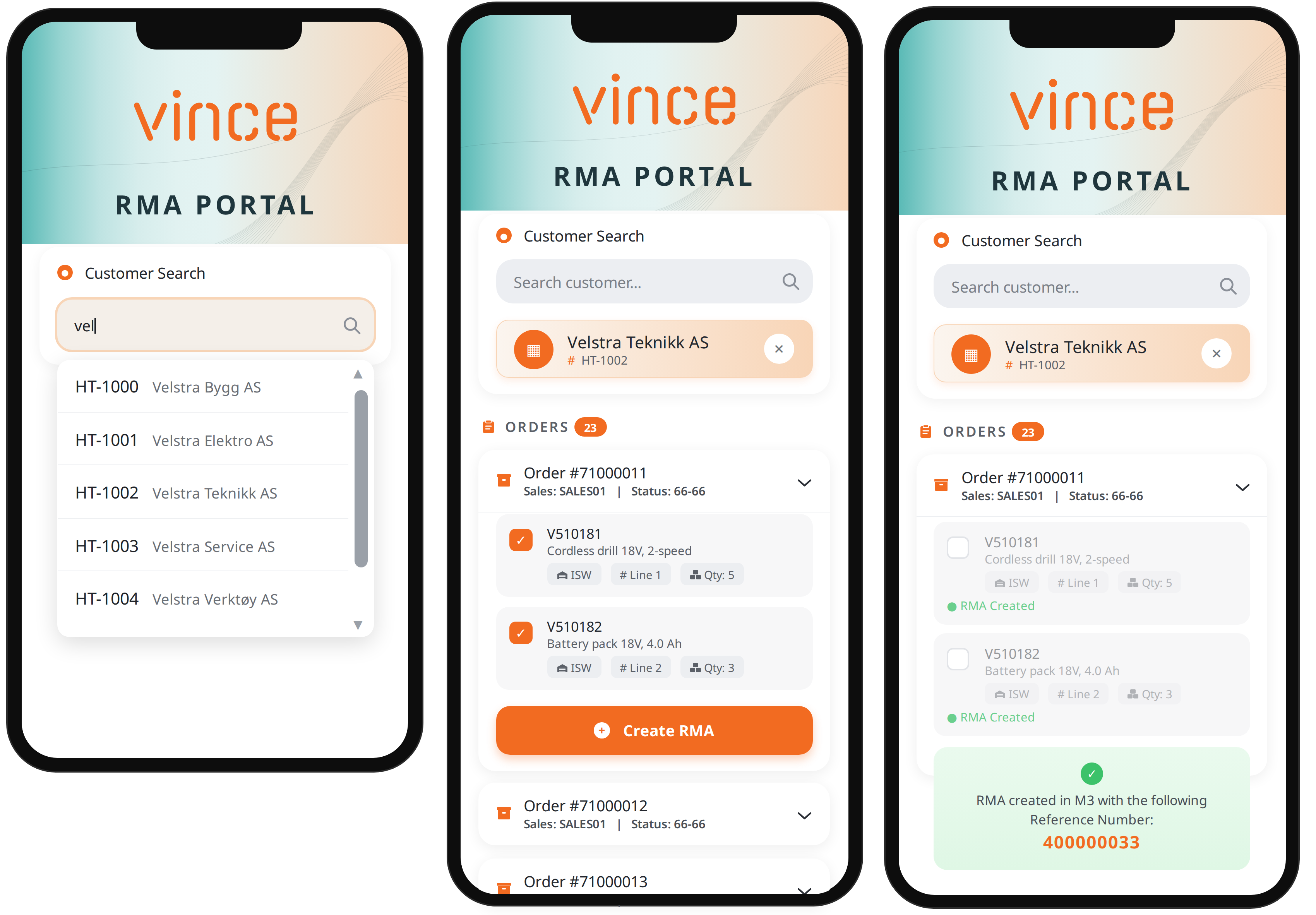
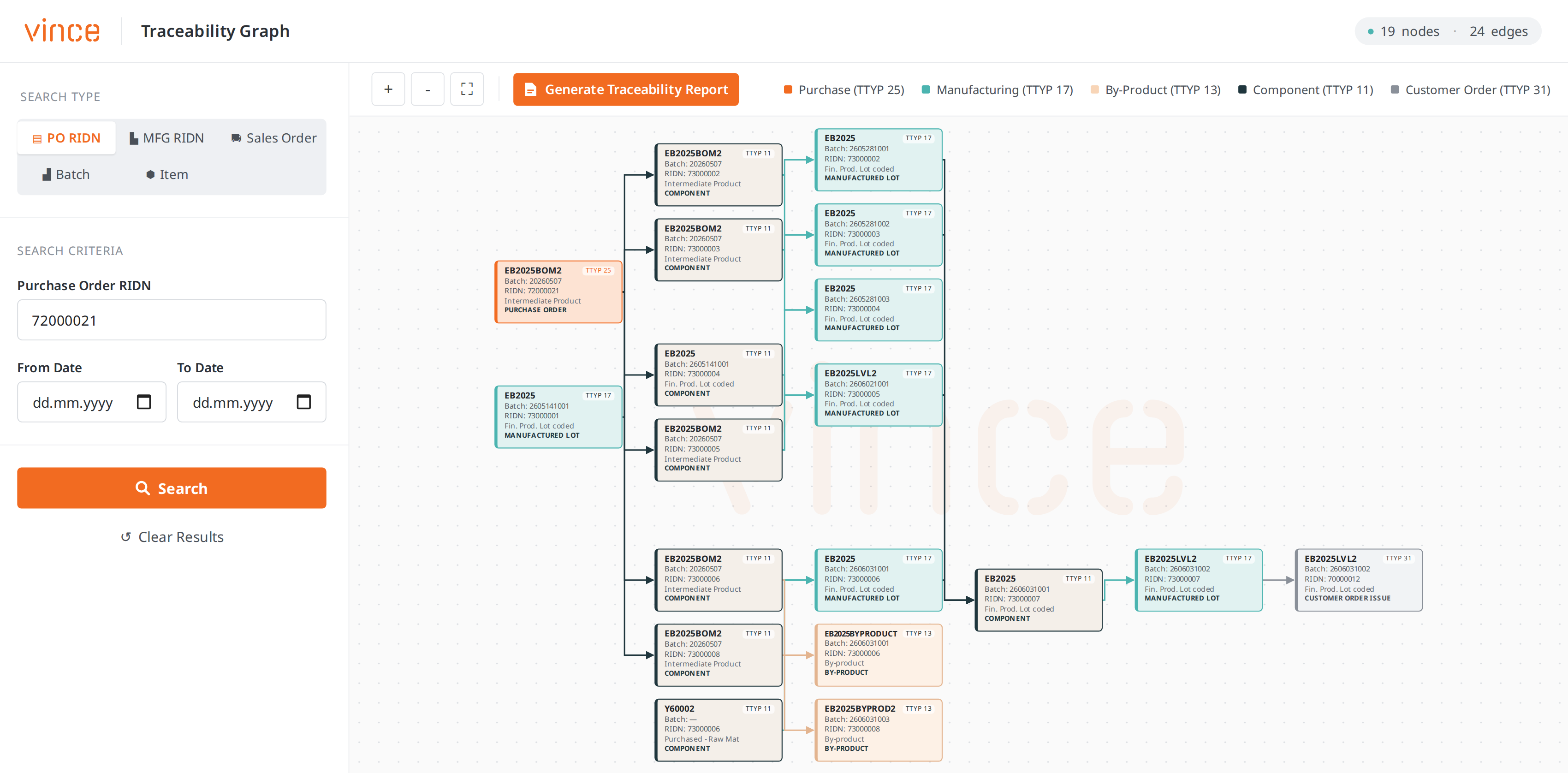
With AI, you can build a complete app in minutes. Use the data you like, connect the systems of your choice and make it look the way you want.
All you have to do is to write what you want in the chat, and the App Builder does the rest.
STEP 02
AI builds the app
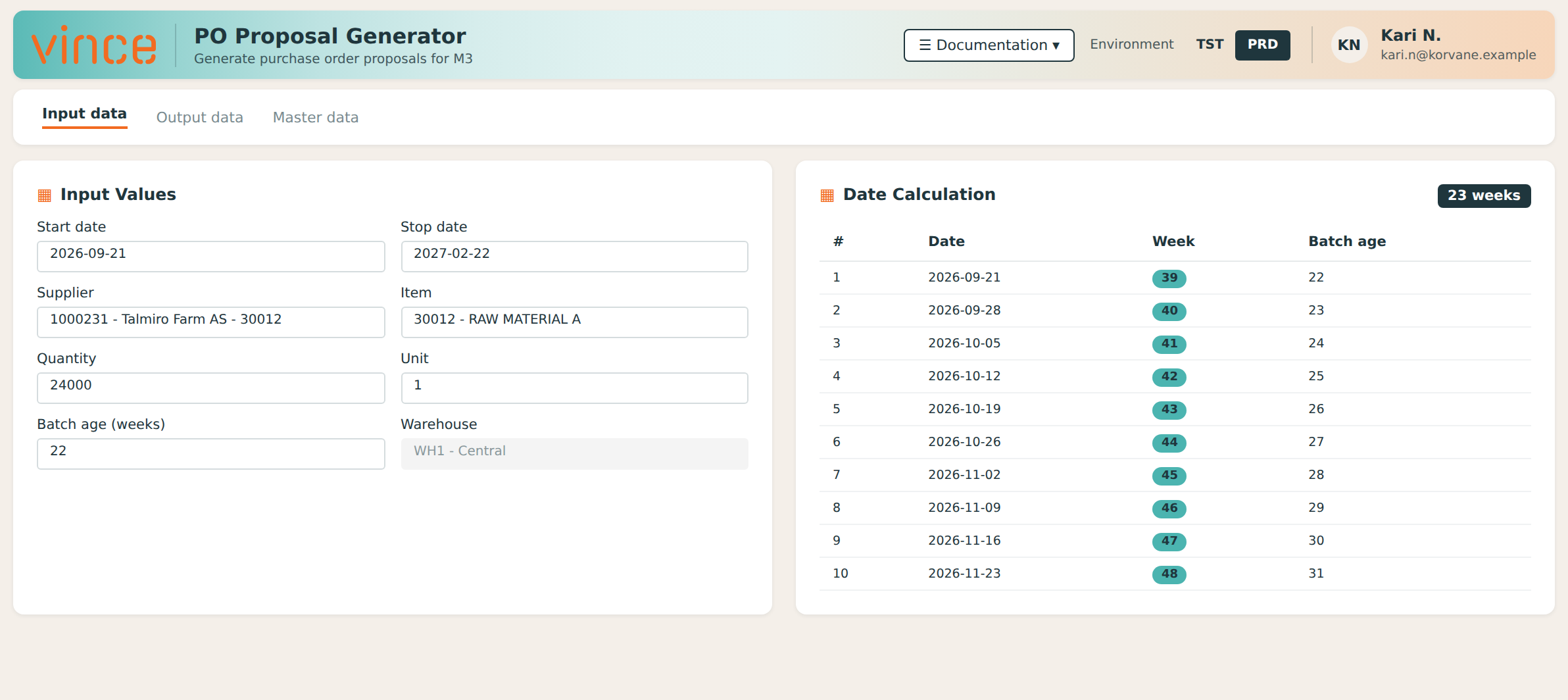
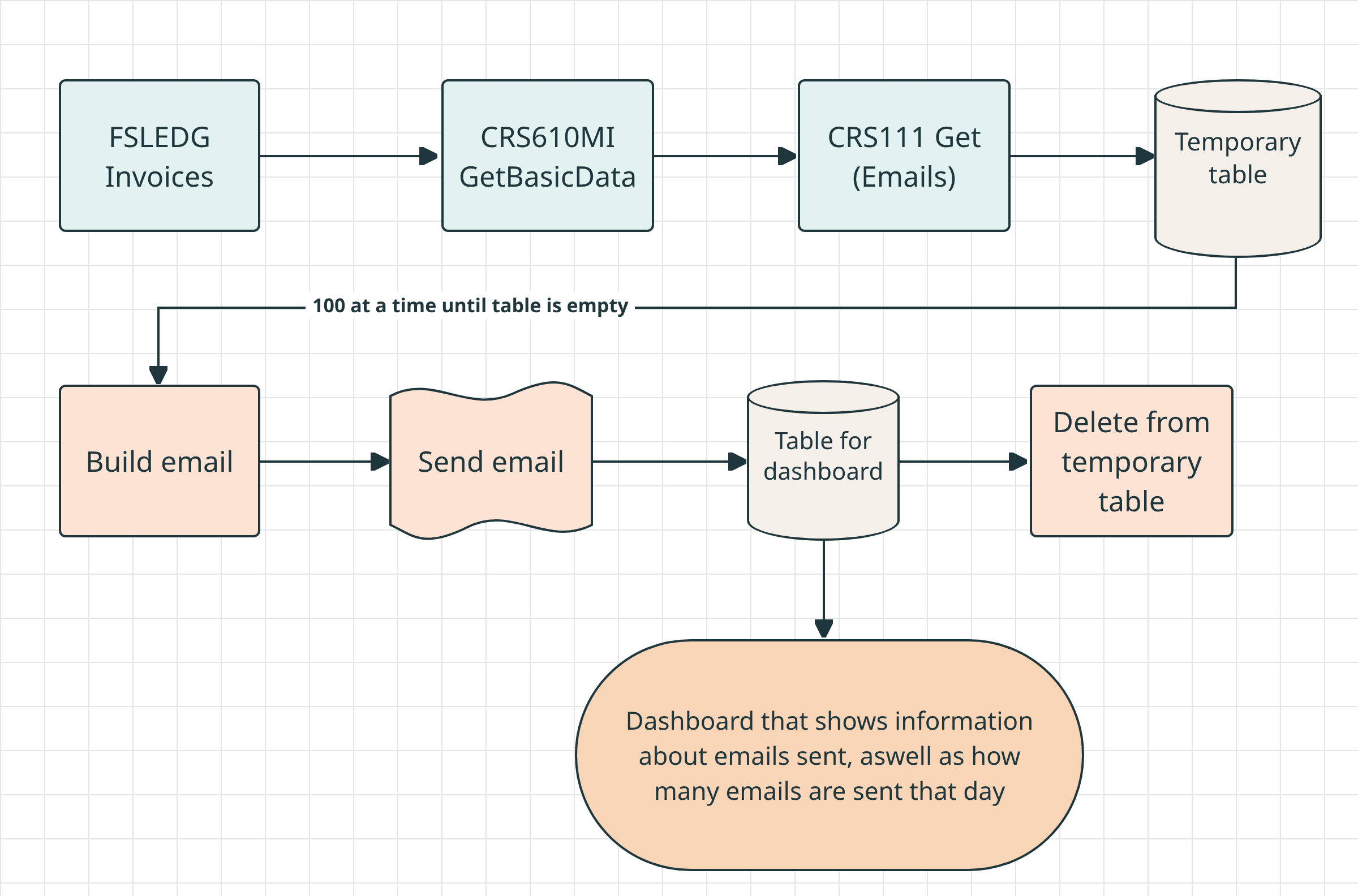
App builder reads your existing Vince workflows and tables, then assembles a working app - UI, logic, data connections. You see it appear in real time.
STEP 02
Deploy and share
Publish the app to your team instantly. Access is controlled by your existing M3 and Vince permissions - no extra setup, no new user management.
STEP 01
No code – just conversation
With AI, you can build a complete app in minutes. Use the data you like, connect the systems of your choice and make it look the way you want.
All you have to do is to write what you want in the chat, and the App Builder does the rest.
STEP 02
AI builds the app
App builder reads your existing Vince workflows and tables, then assembles a working app - UI, logic, data connections. You see it appear in real time.
STEP 02
Deploy and share
Publish the app to your team instantly. Access is controlled by your existing M3 and Vince permissions - no extra setup, no new user management.
When Plantasjen set out to transform its logistics setup,
complexity was part of the deal.
The project involved an expanding scope,
multiple external partners, tight timelines, and high operational dependency.
Vince AI App Builder didn't just speed things up.
It changed how IT and the business work together,
making ideas move faster from need to implementation.
"It's not just a tool. It's a new way of working!"
- Olav Fyldeng, CIO Plantasjen
Handle SOD in seconds
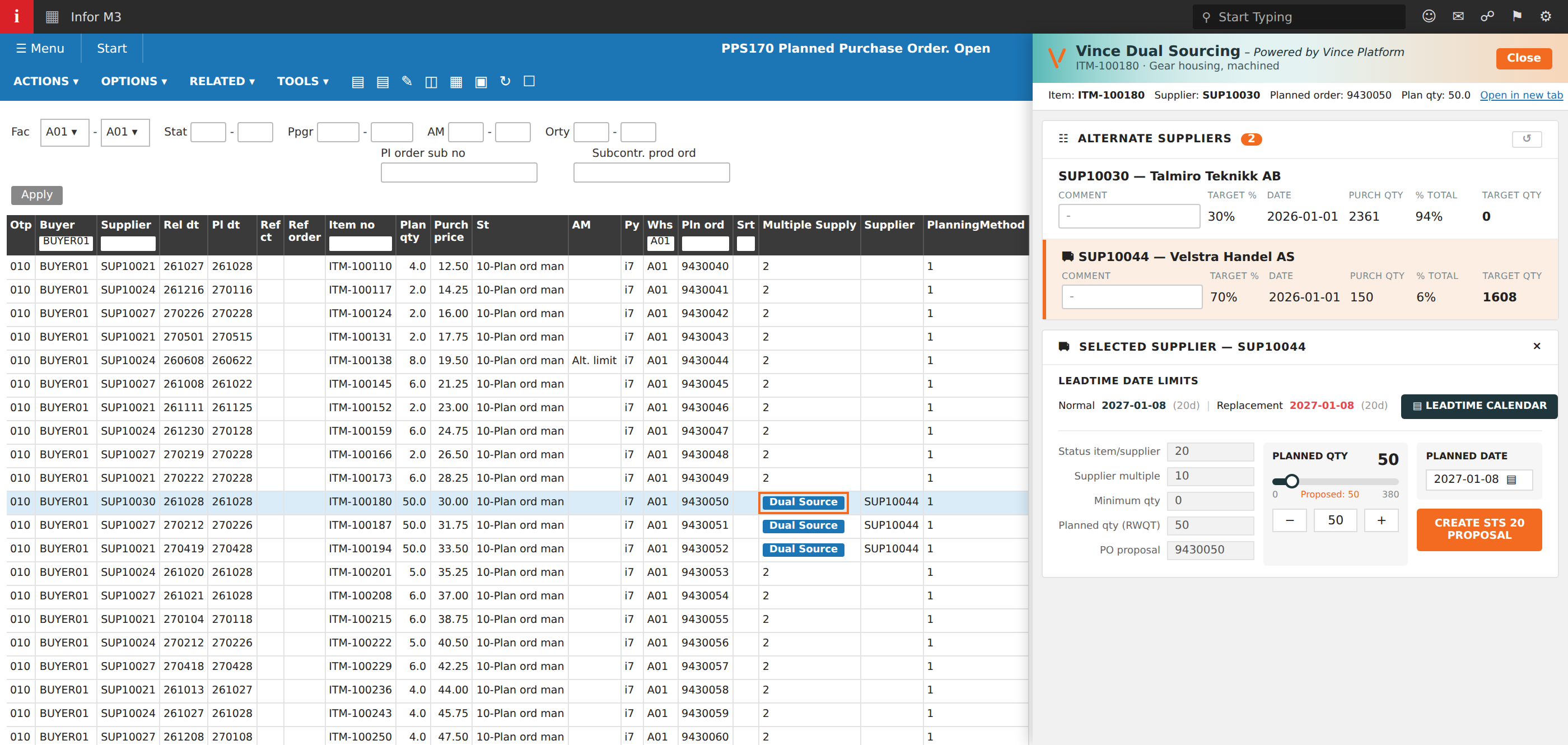
The SOD module comes with ready-made SOD rules to get you started right away. It automatically scans and flags conflicting M3 functions and keeps track of all violations so you can take action immediately.
SOD Rules: Why do they matter?
Running a SOD analysis means going through all the functions in M3 and deciding which ones are compatible and which ones are not. This is an enormous task.
We have done this job for you, and our SOD rules are tried and tested by many of our customers. By using our preloaded rules, you can lean back and know that you are safe and compliant.
Hear from Aggreko
BUILT ON VINCE PLATFORM
You're not starting from scratch
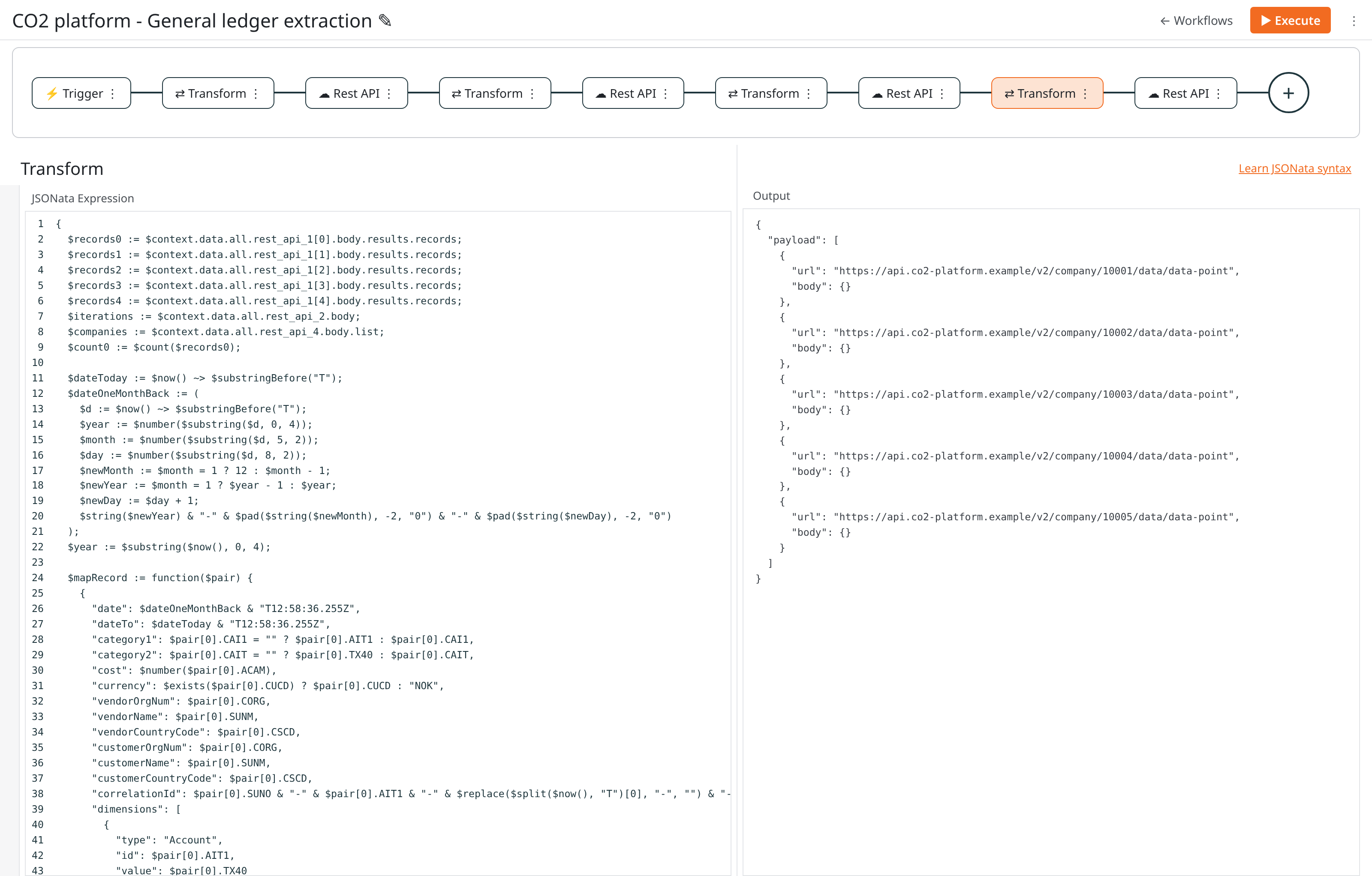
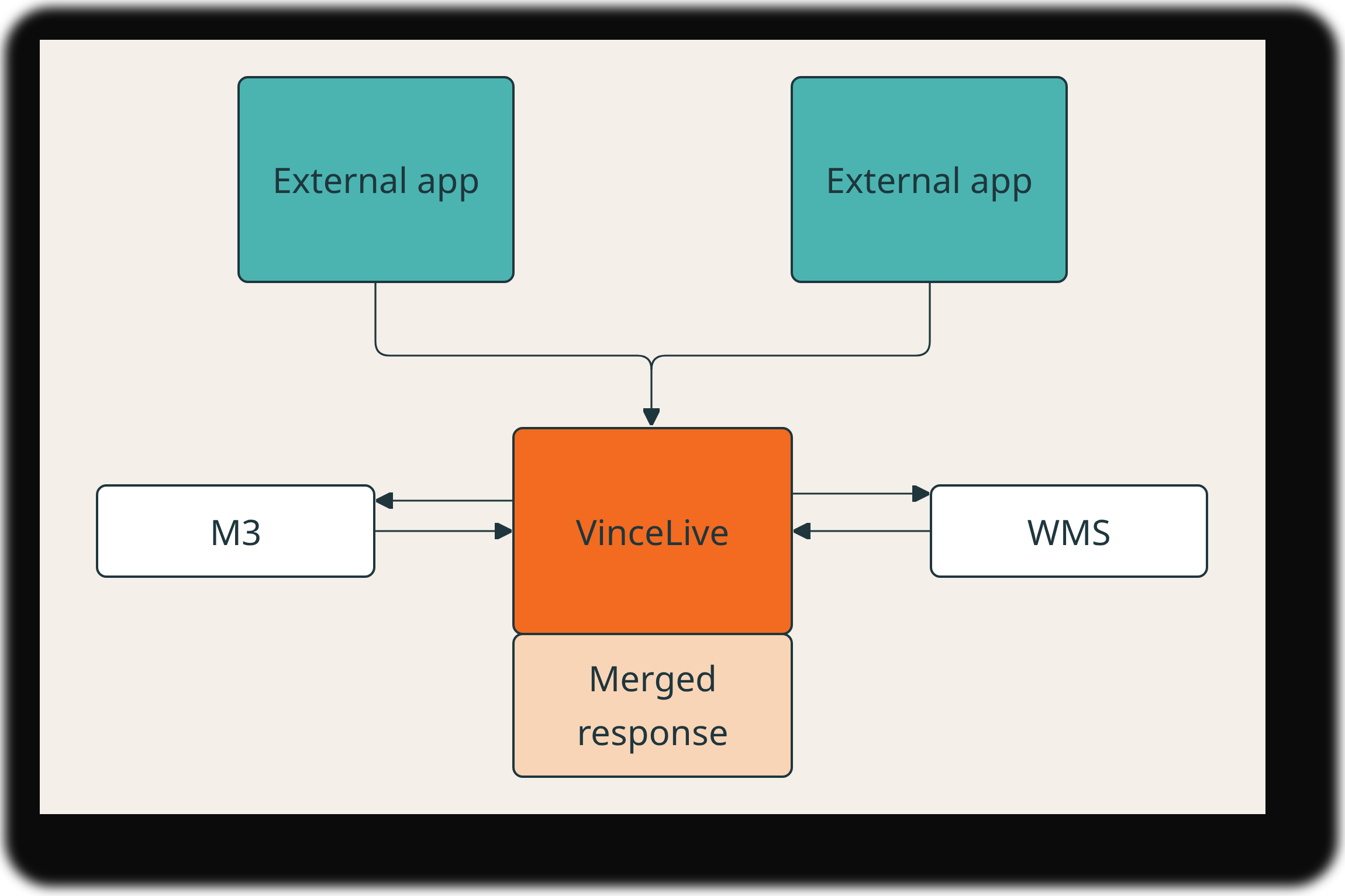
App Builder sits on top of the workflows, integrations, and logic you've already configured in Vince Platform.
Every app you build inherits that foundation automatically.
✔ Uses workflows and tables you've already built and tested in Vince
✔ No data is sent externally
✔ Connect any system a REST API, not just M3
✔ Apps work on desktop, tablet, and mobile out of the box
✔ Update or regenerate apps any time your processes change
ENTERPRISE-GRADE SECURITY
Built for production from day one.
Security isn't an add-on. It's the foundation every App Builder app runs on.
No data sent to AI
M3 permissions enforced
Sandboxed execution
Example apps
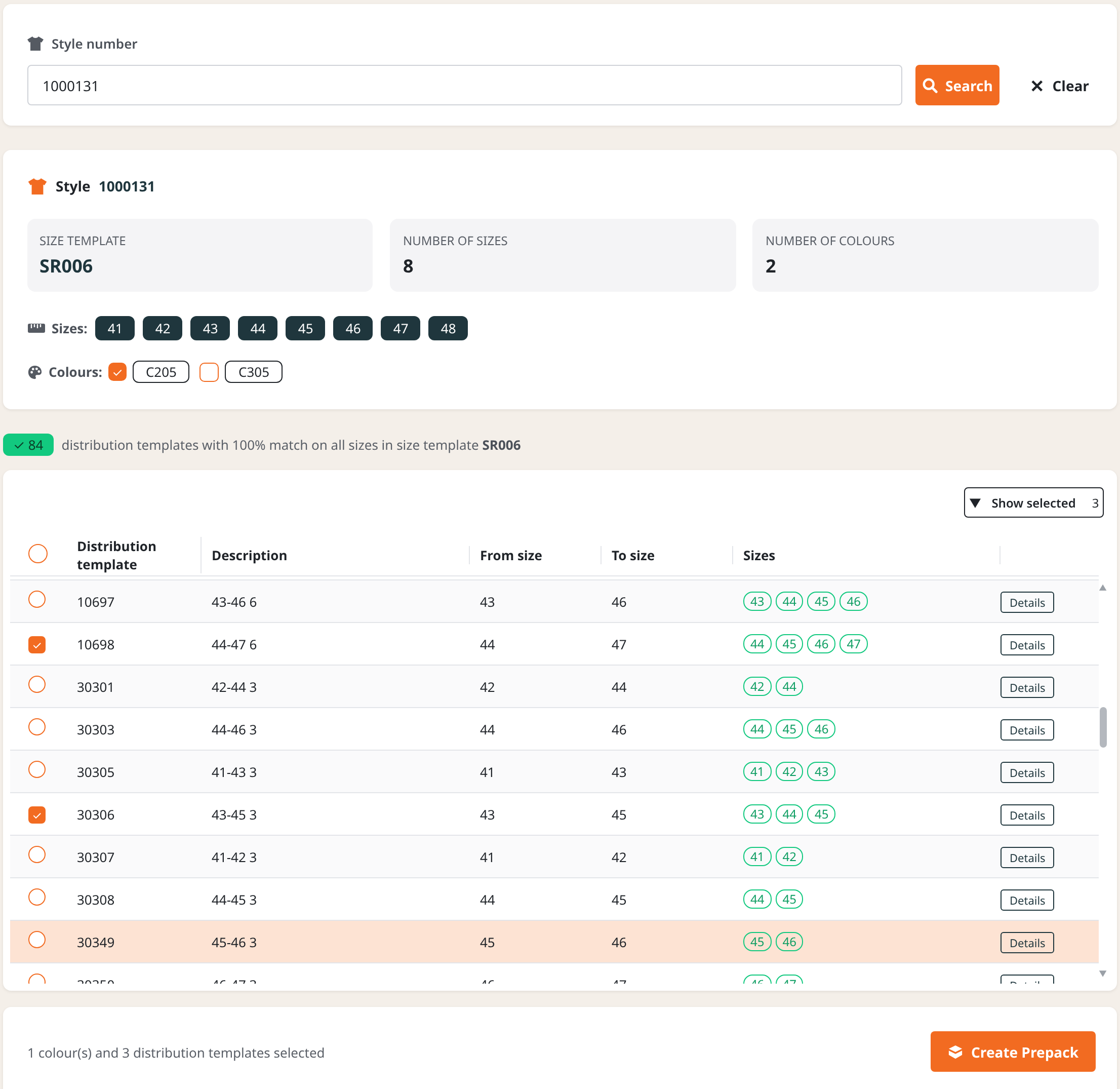
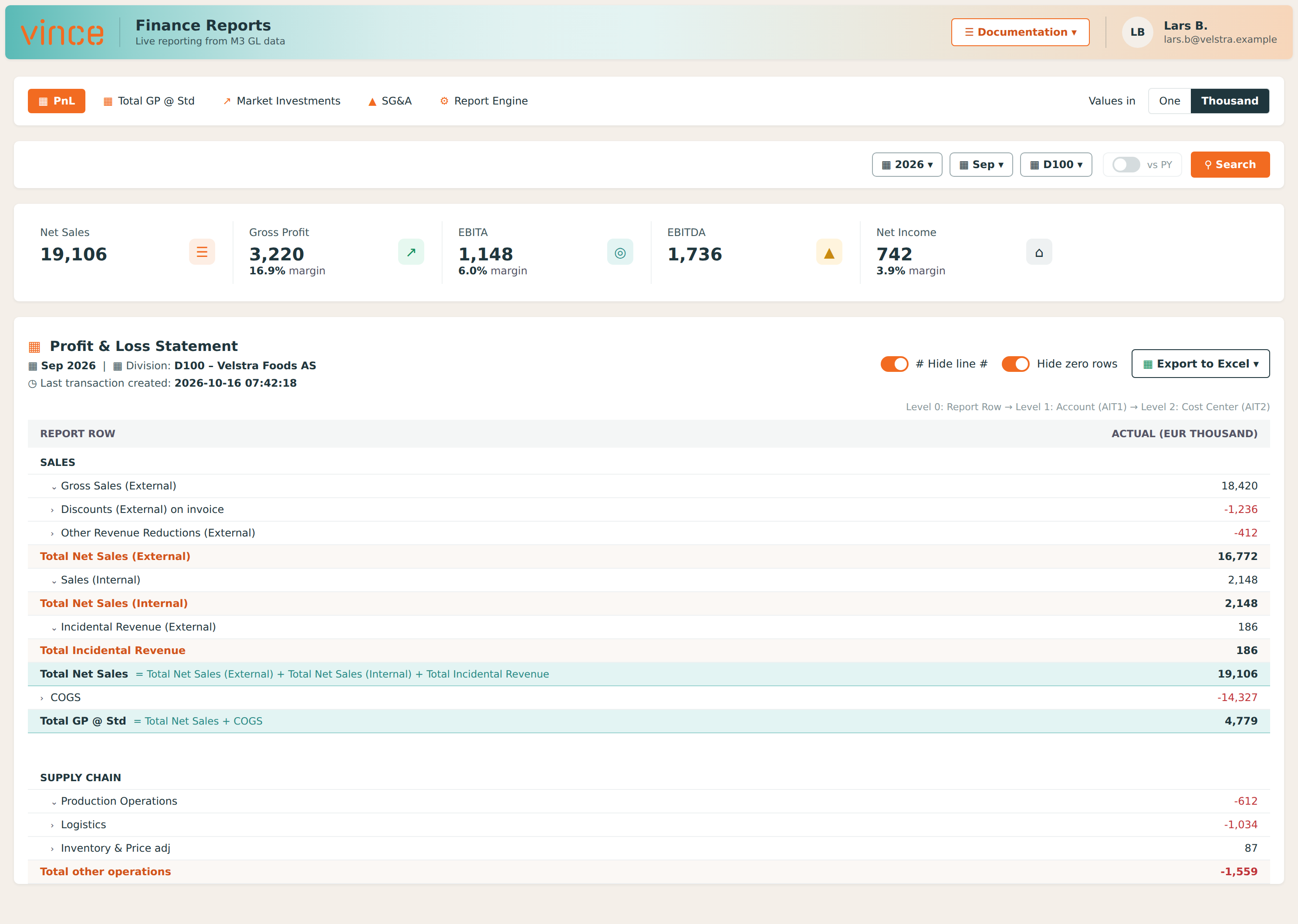
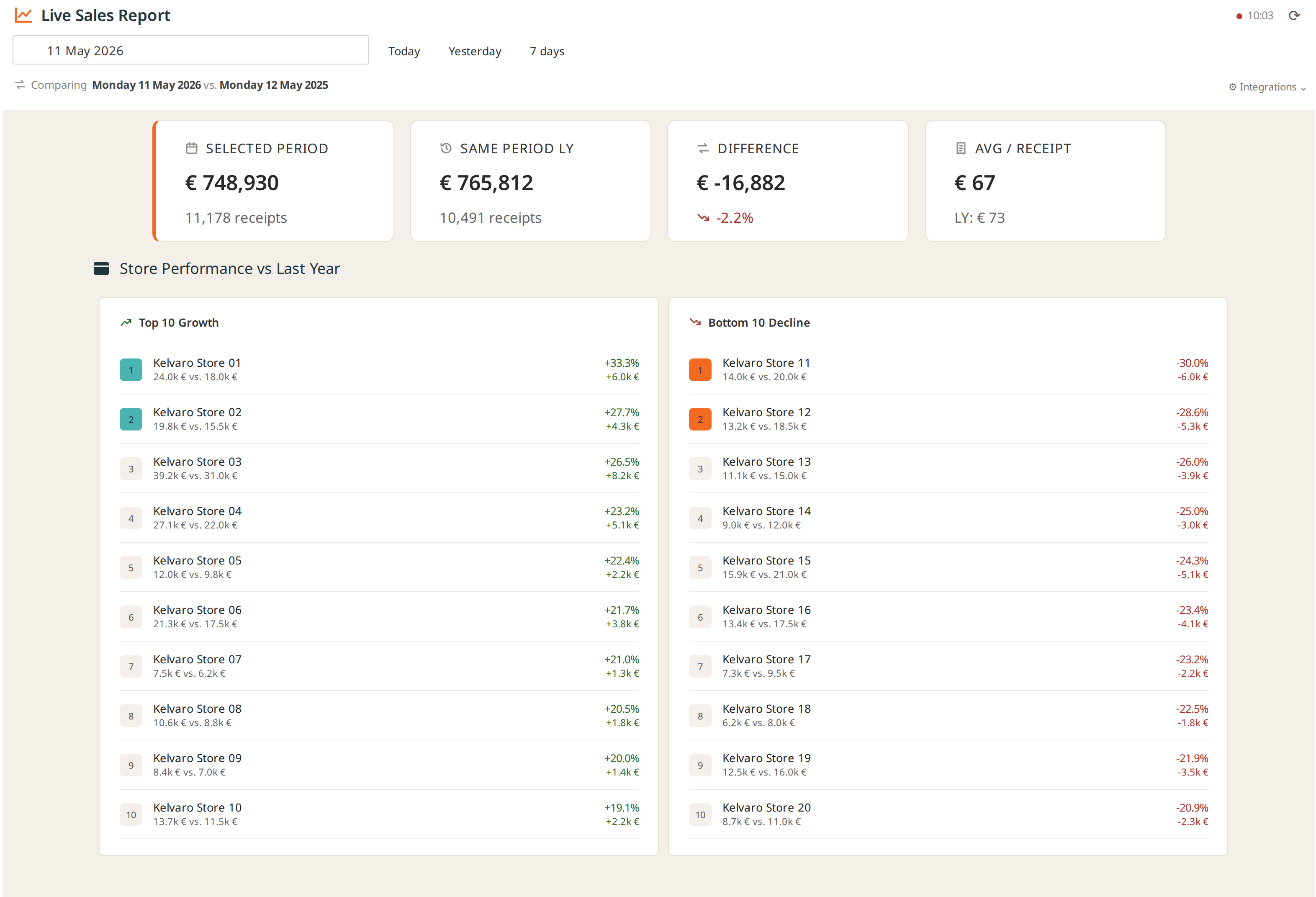
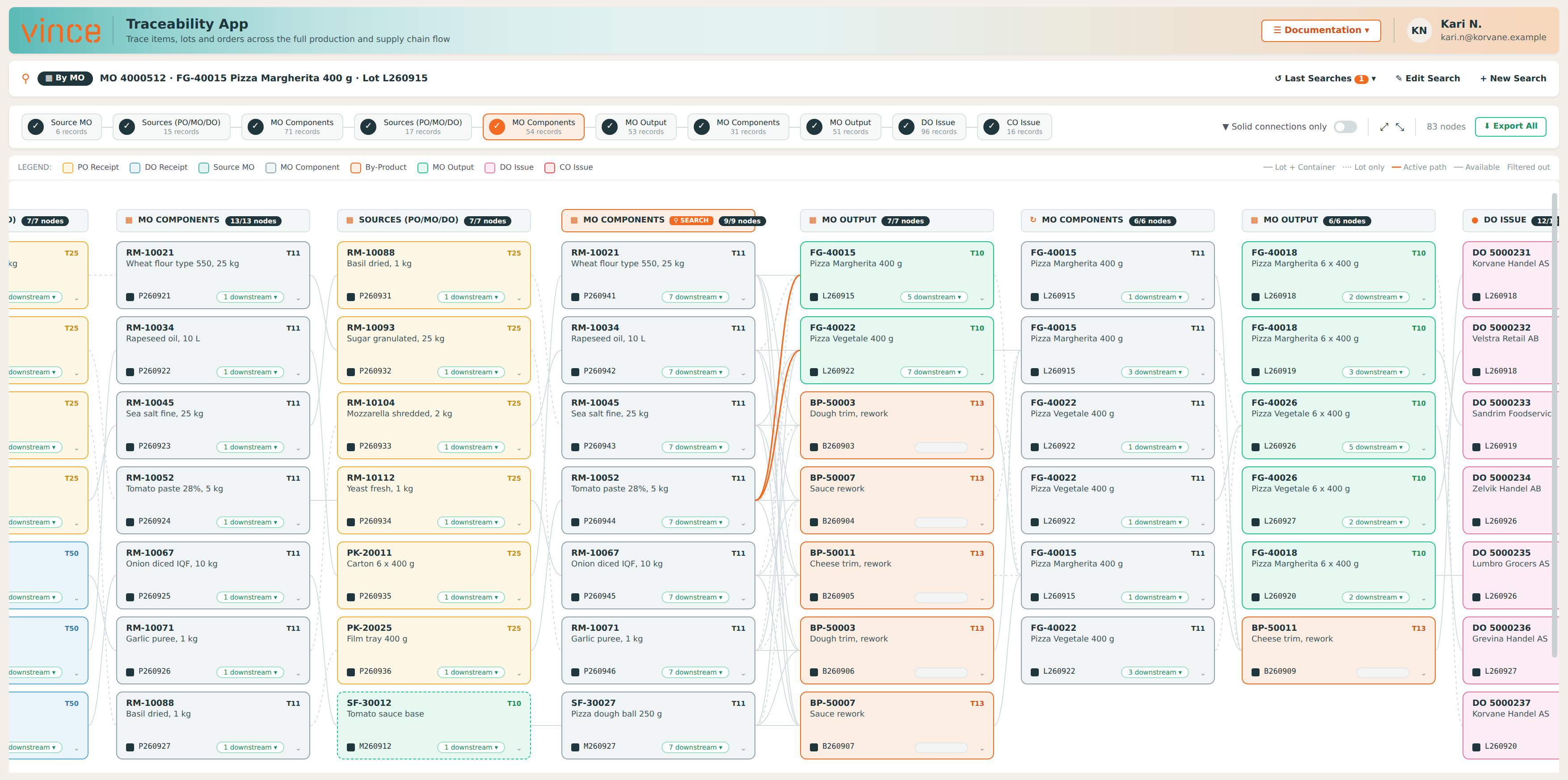
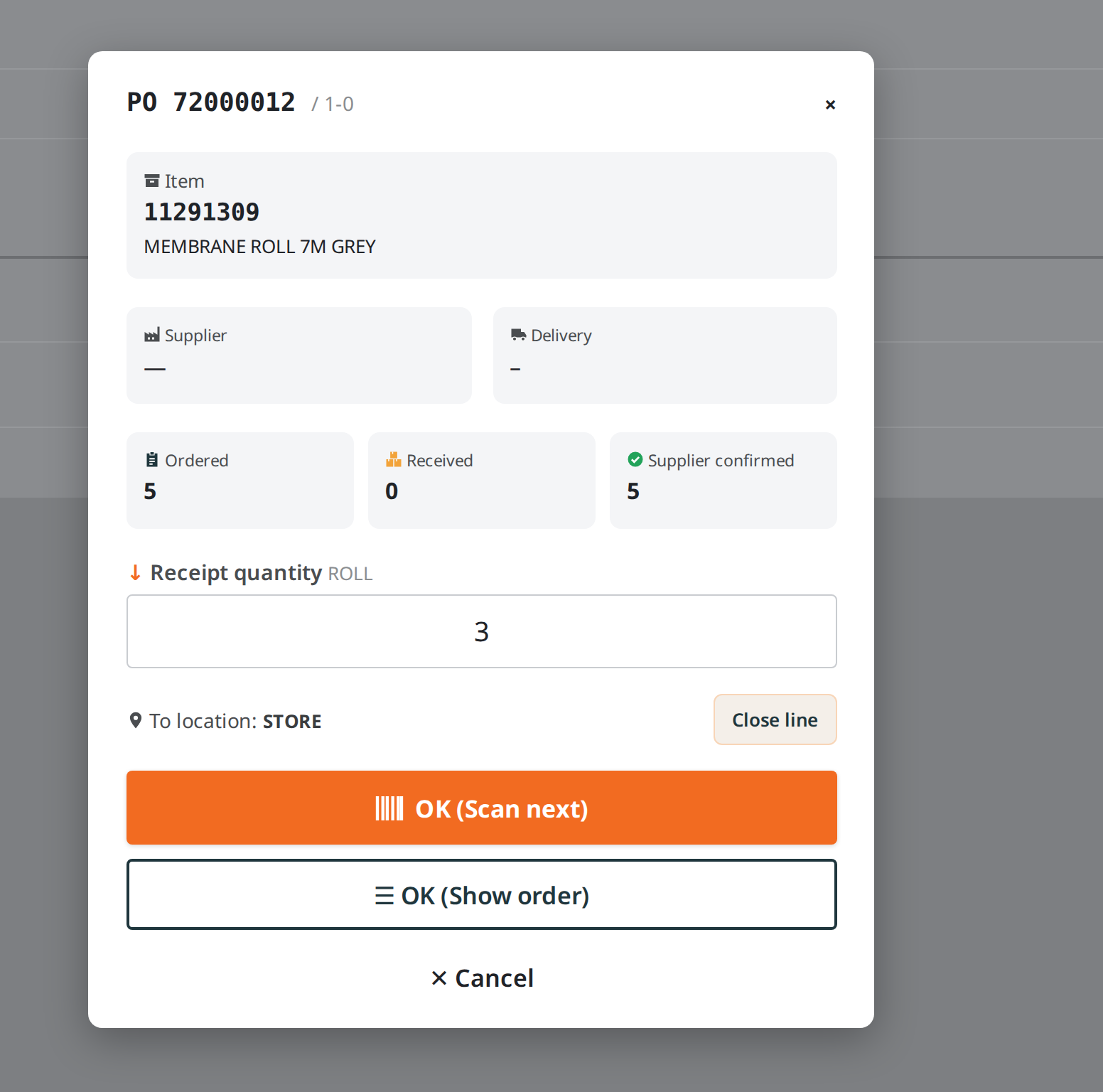
Goods Receipt App
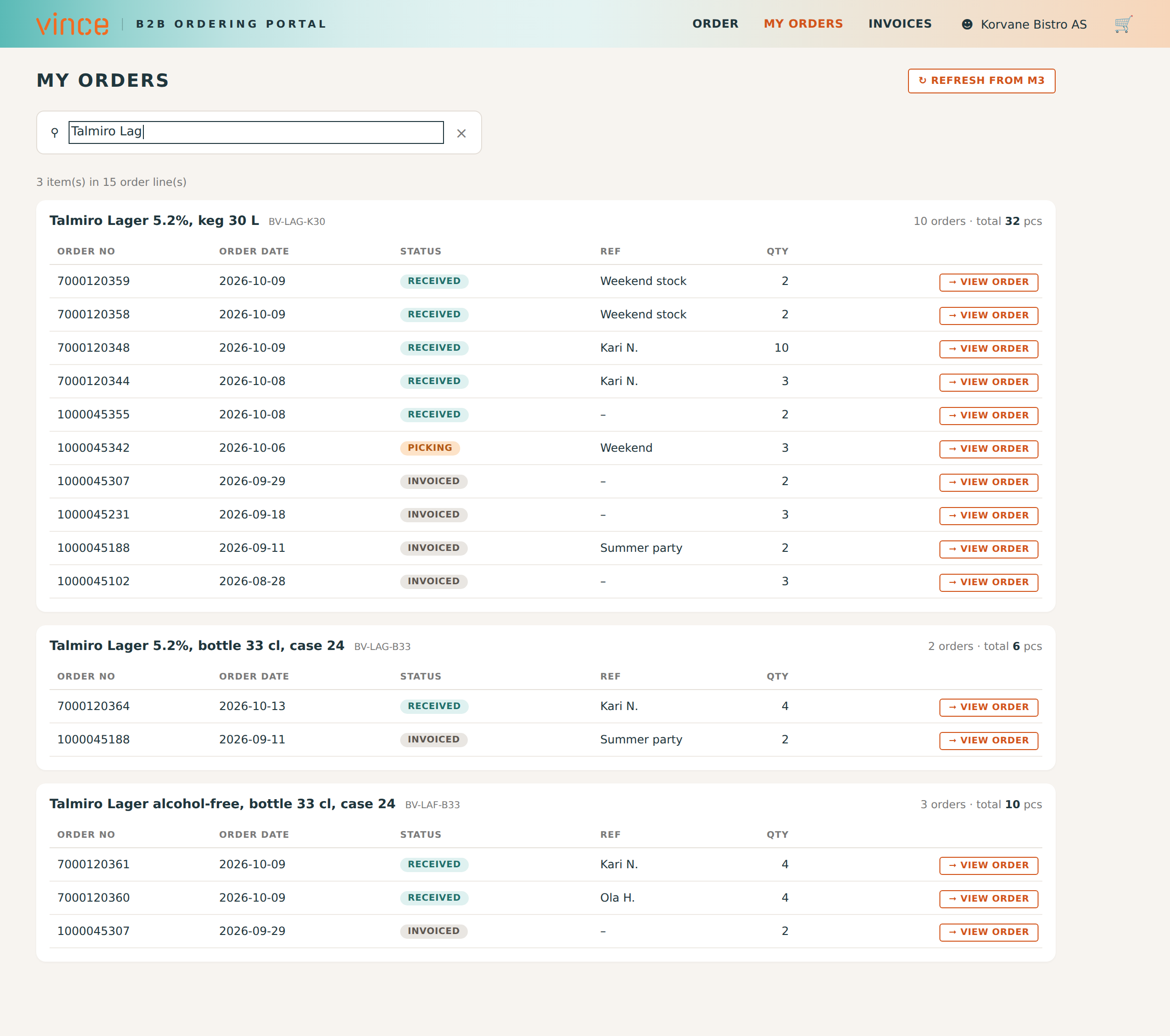
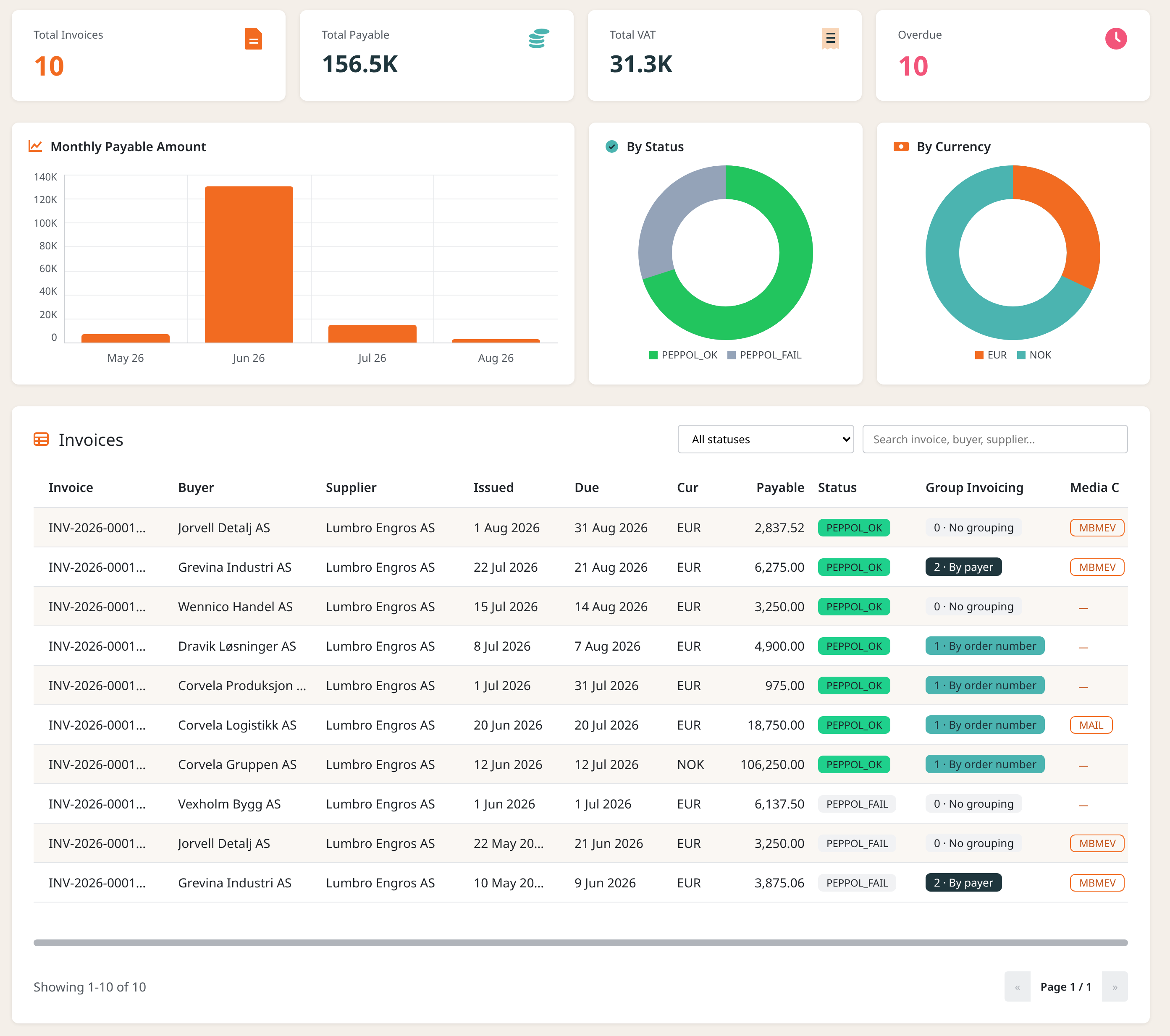
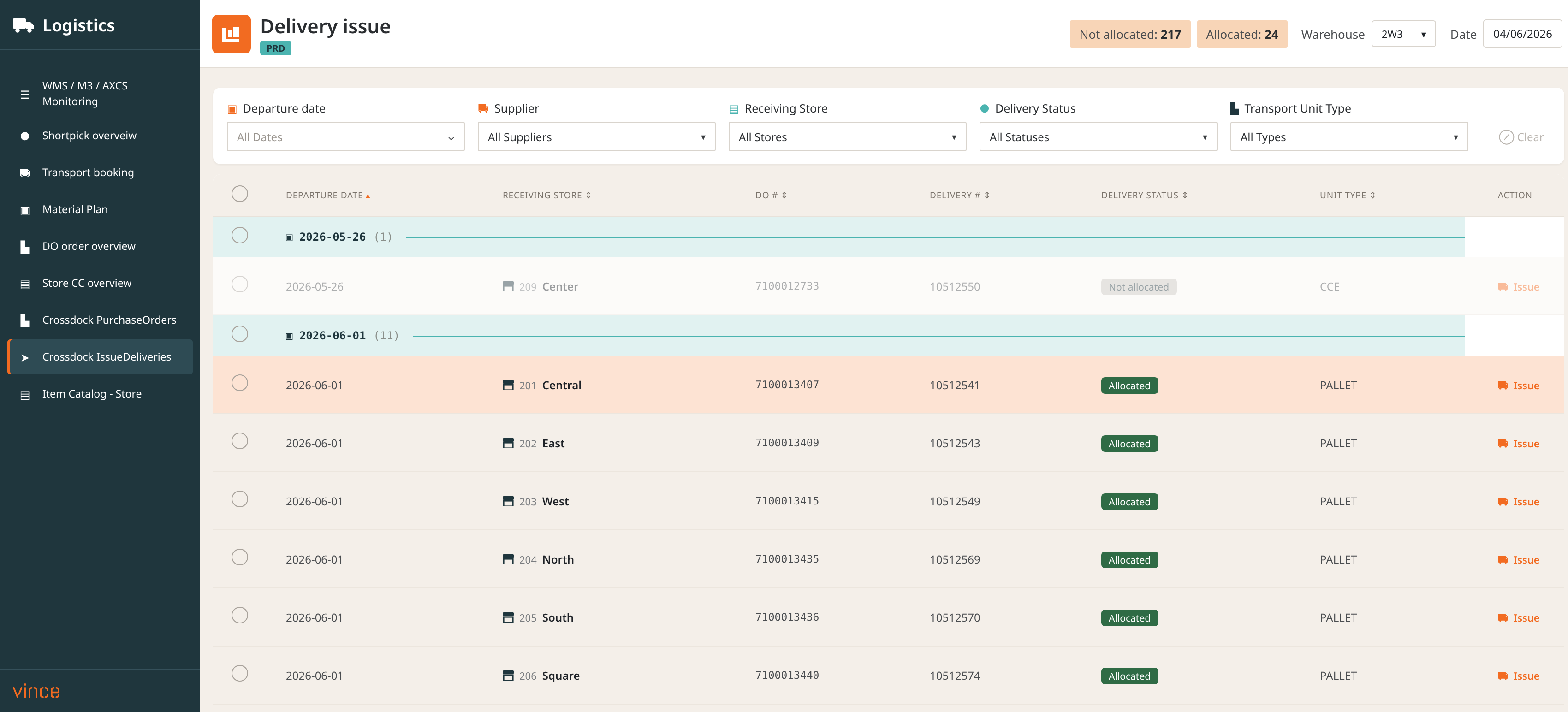
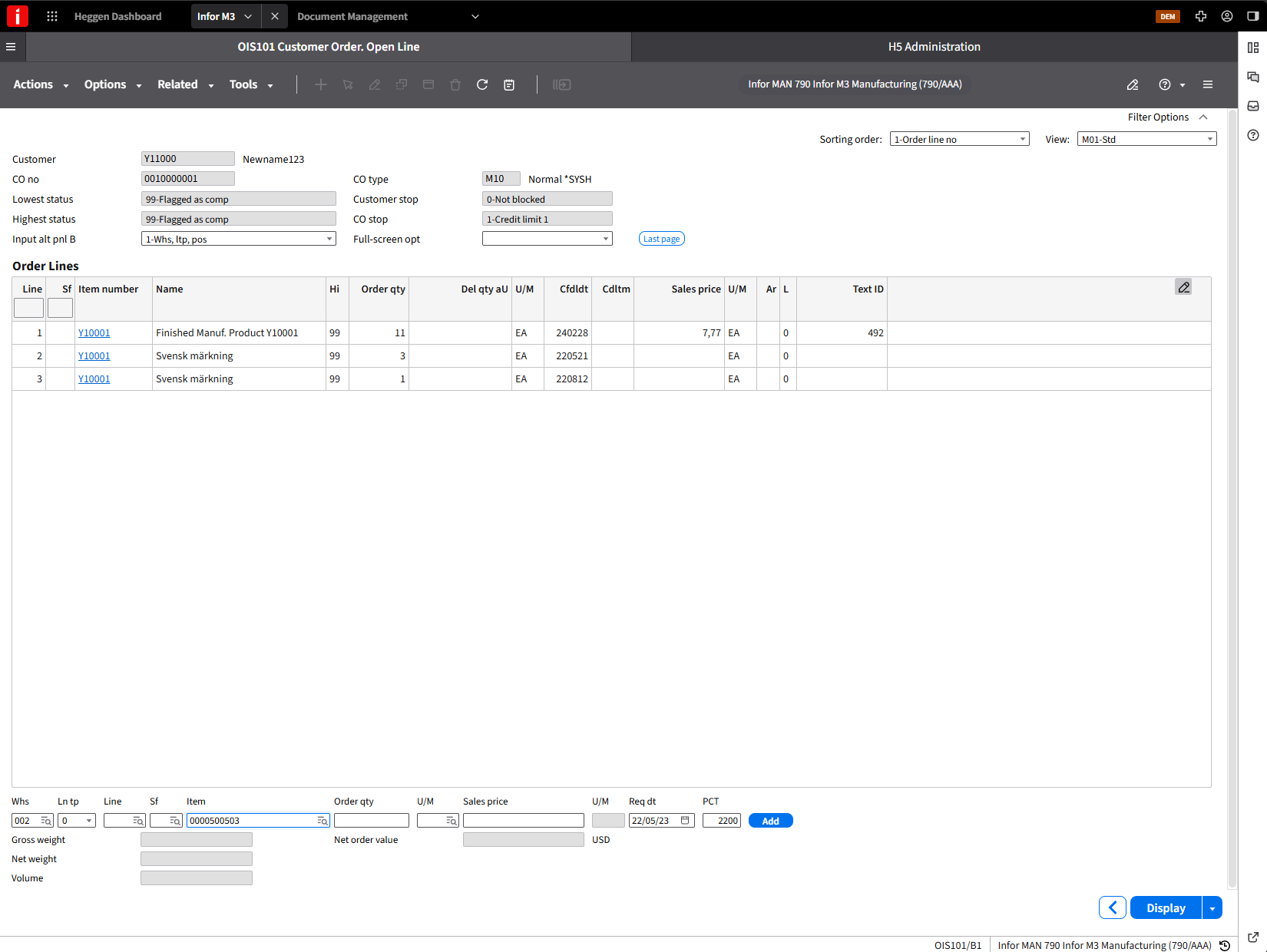
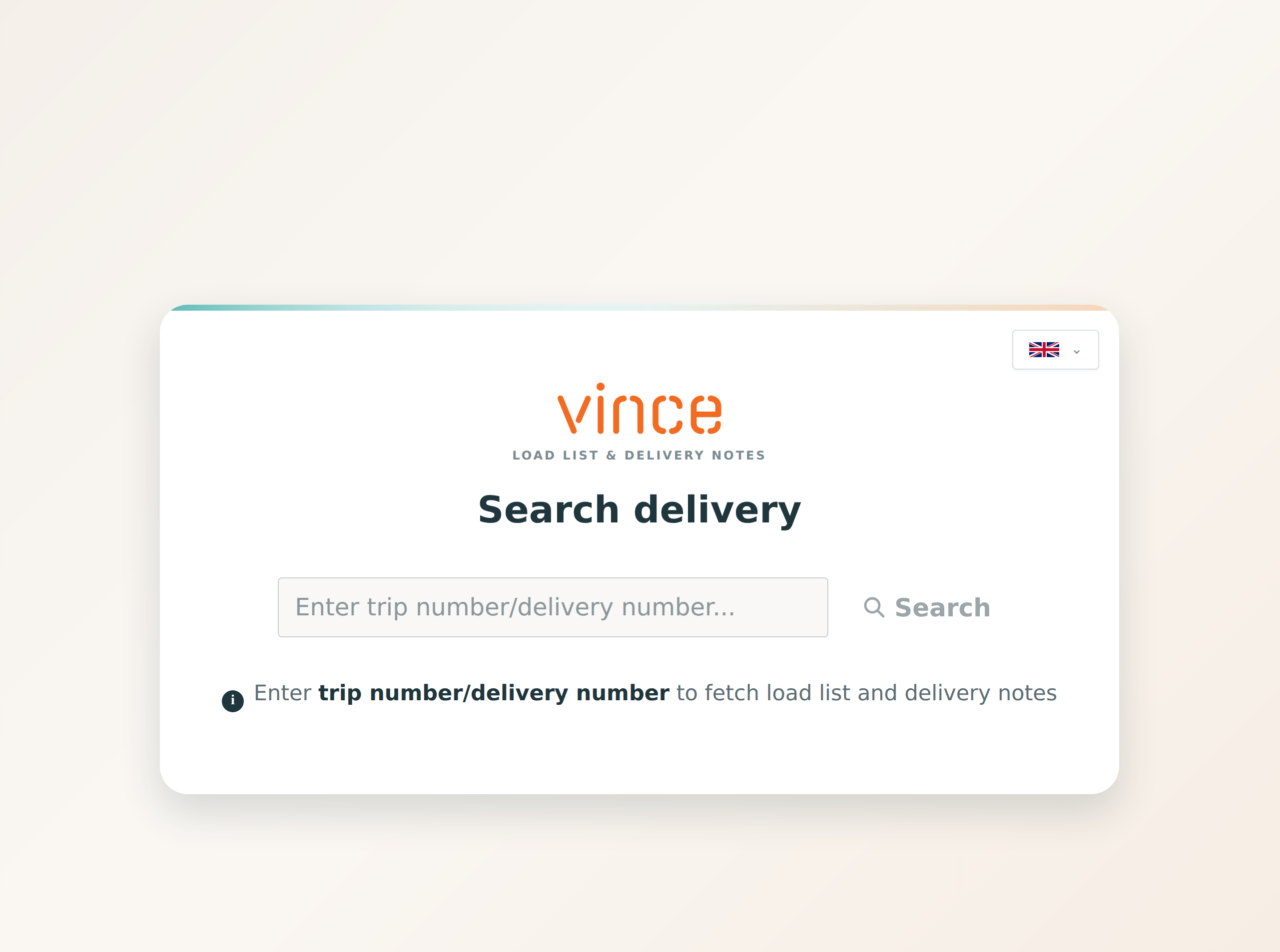
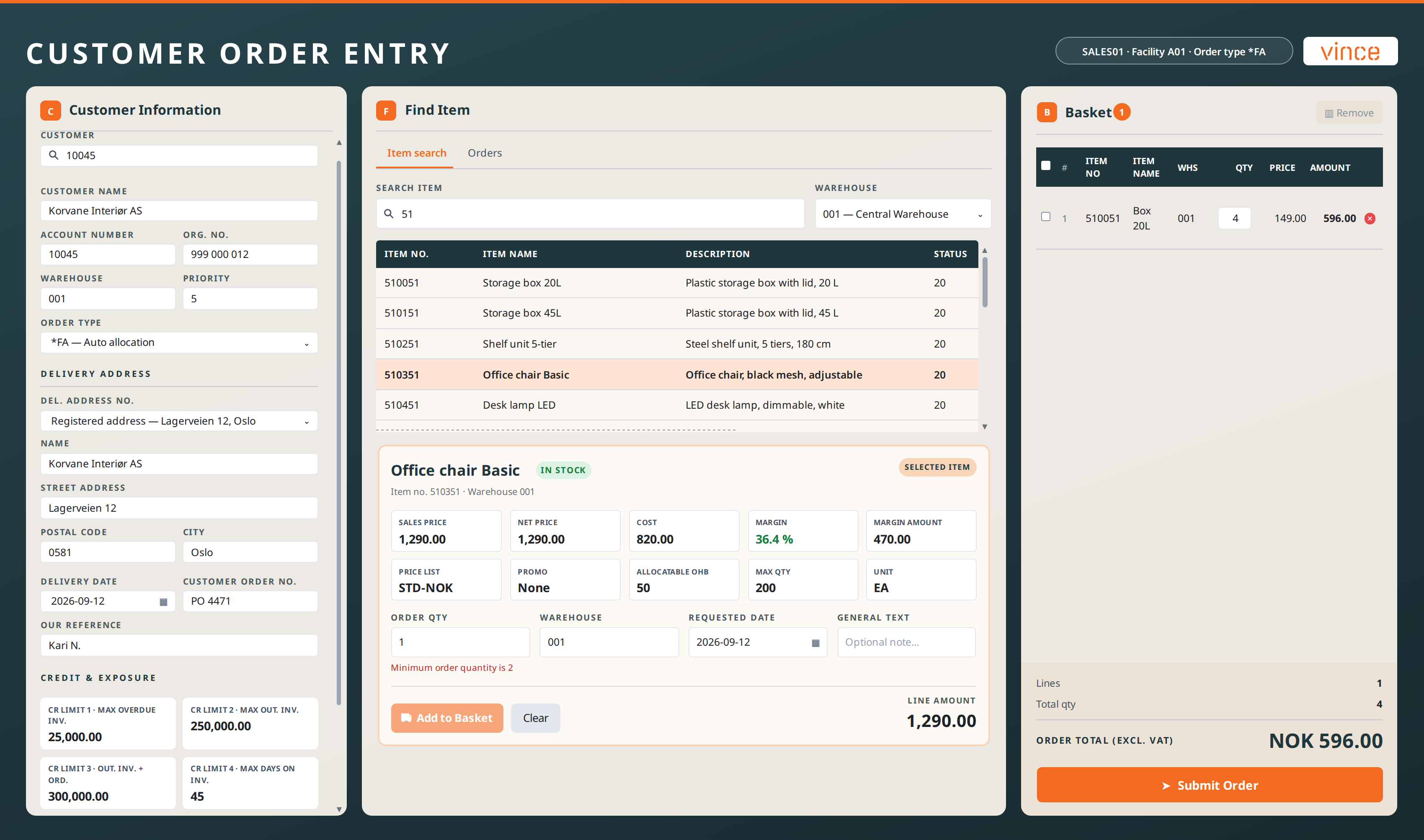
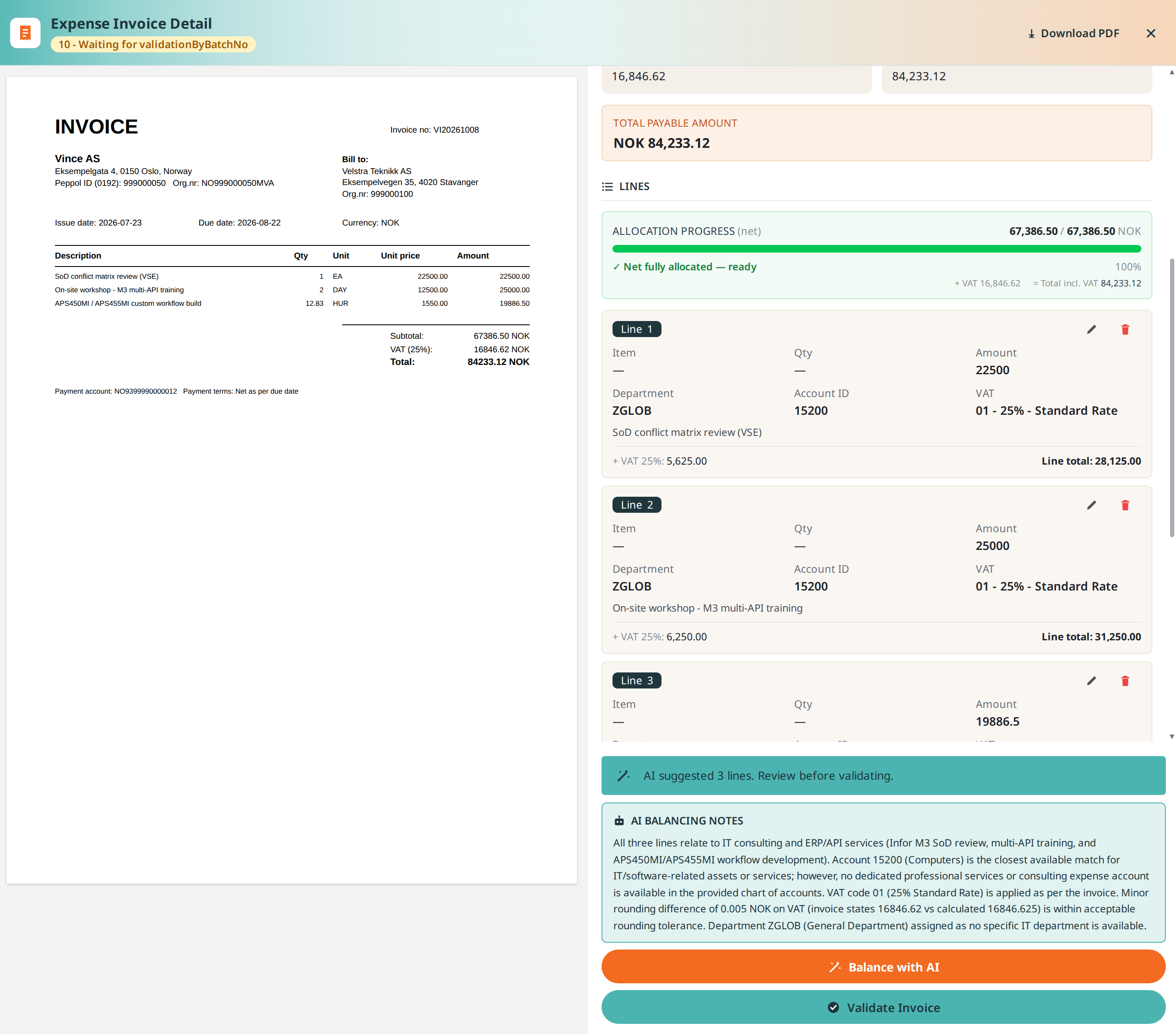
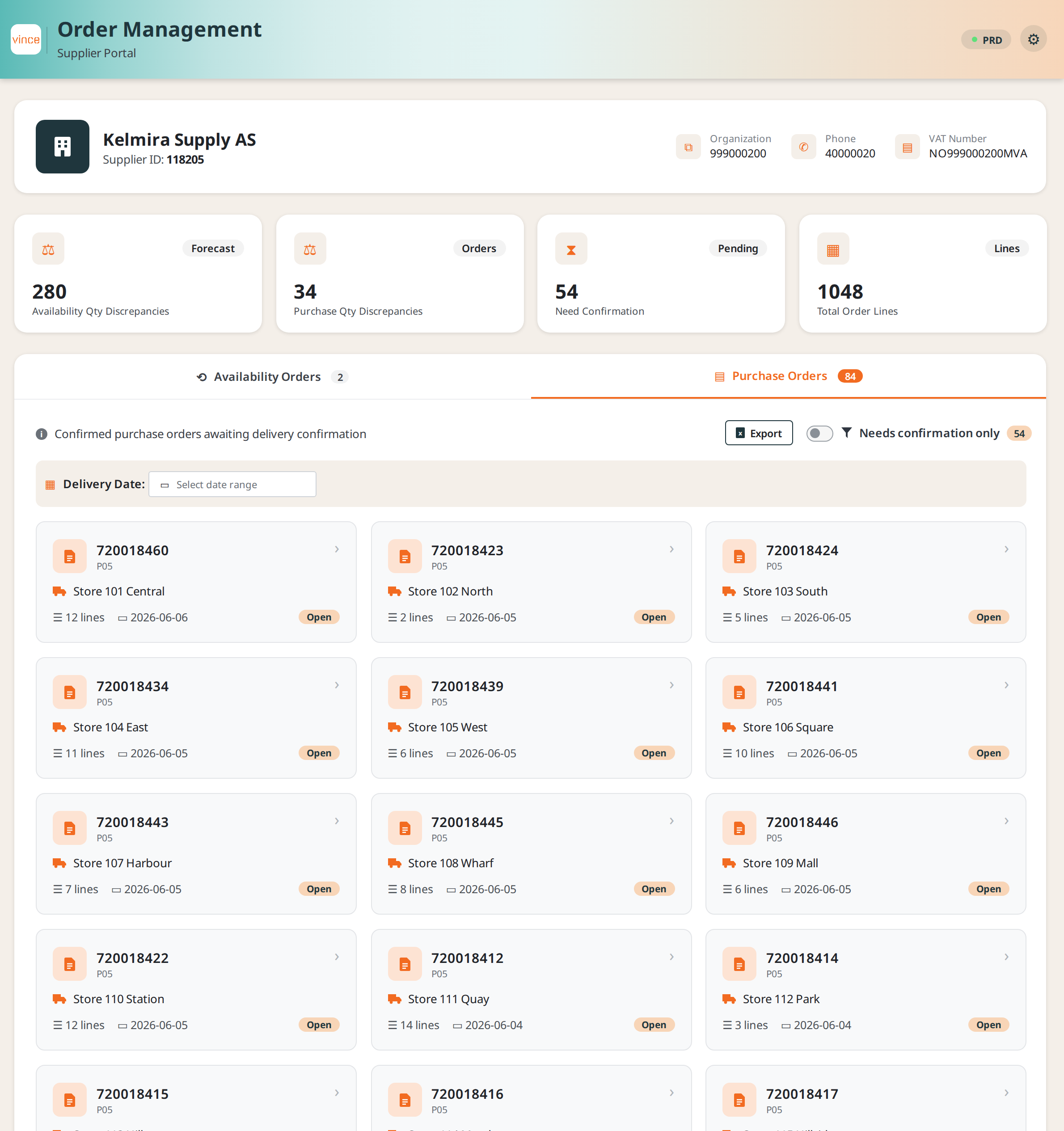
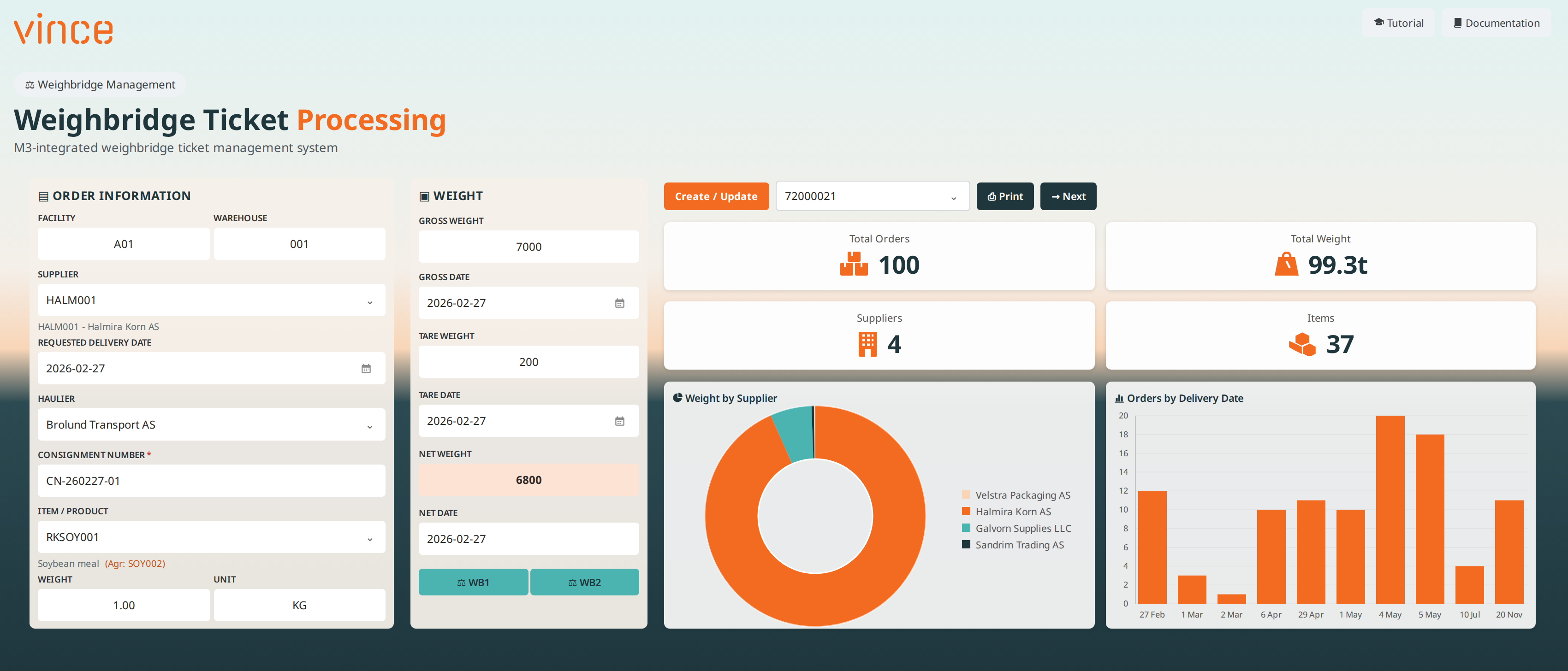
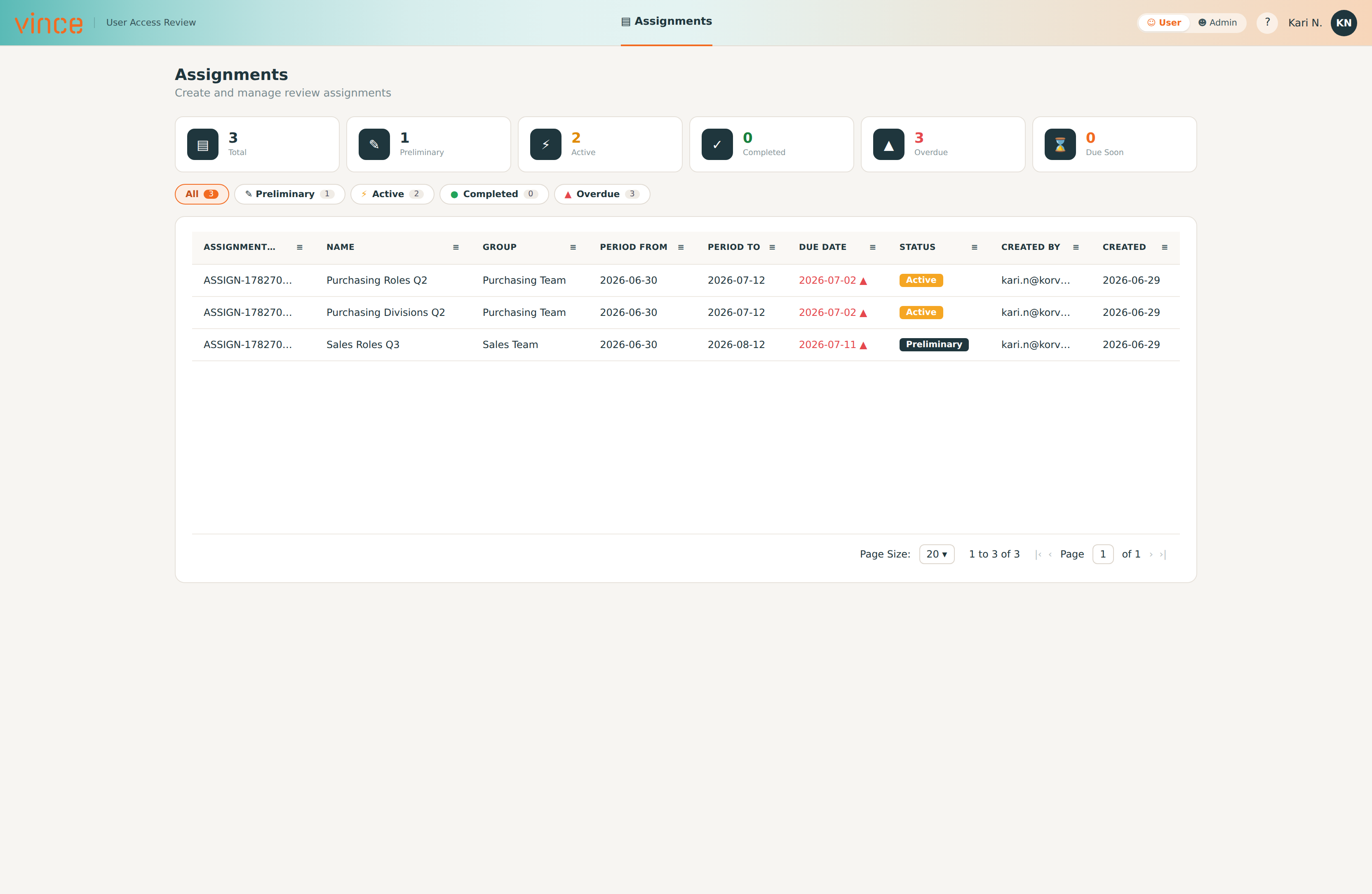
In this example, we build a Goods Receipt app to show how you can turn a real receiving flow into a simple mobile app, using your existing Infor M3 logic and security.
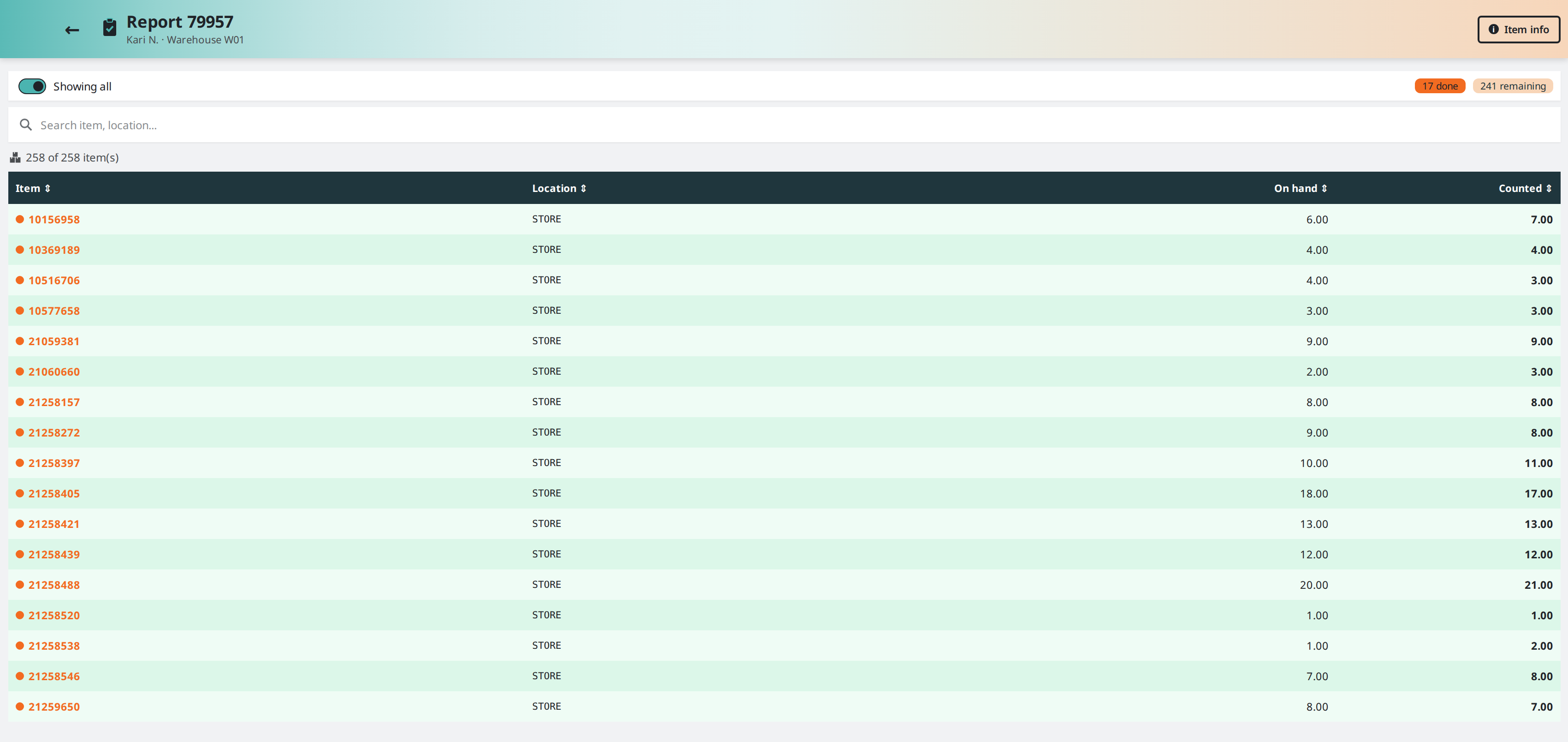
Warehouse App
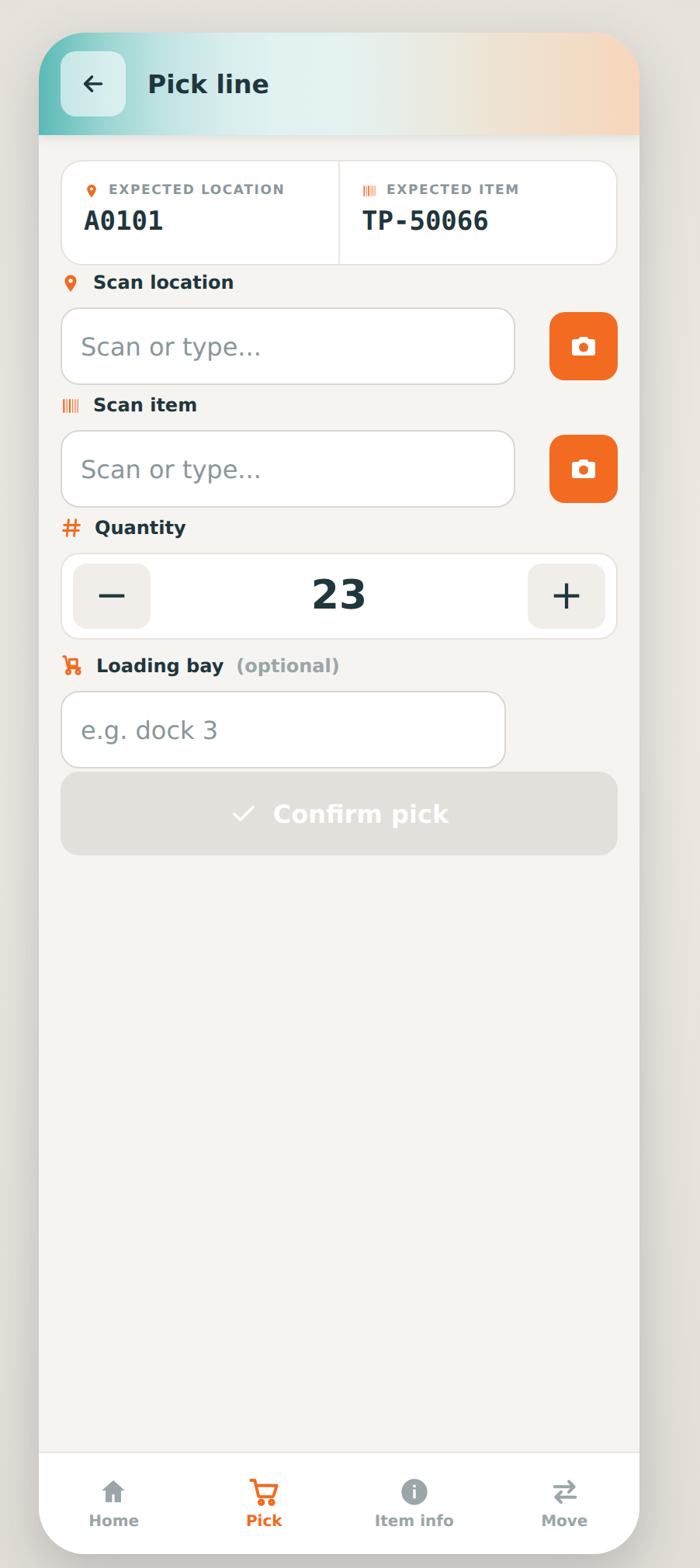
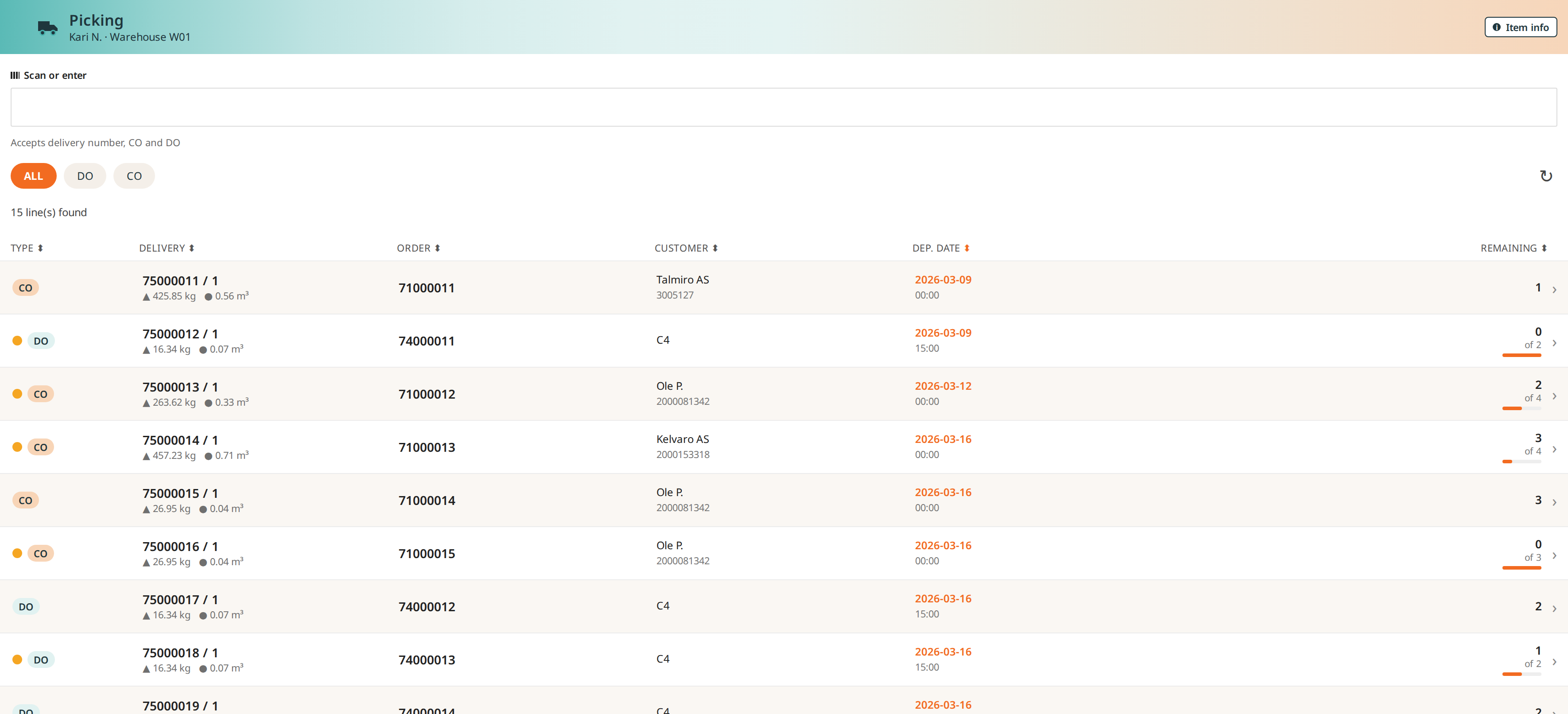
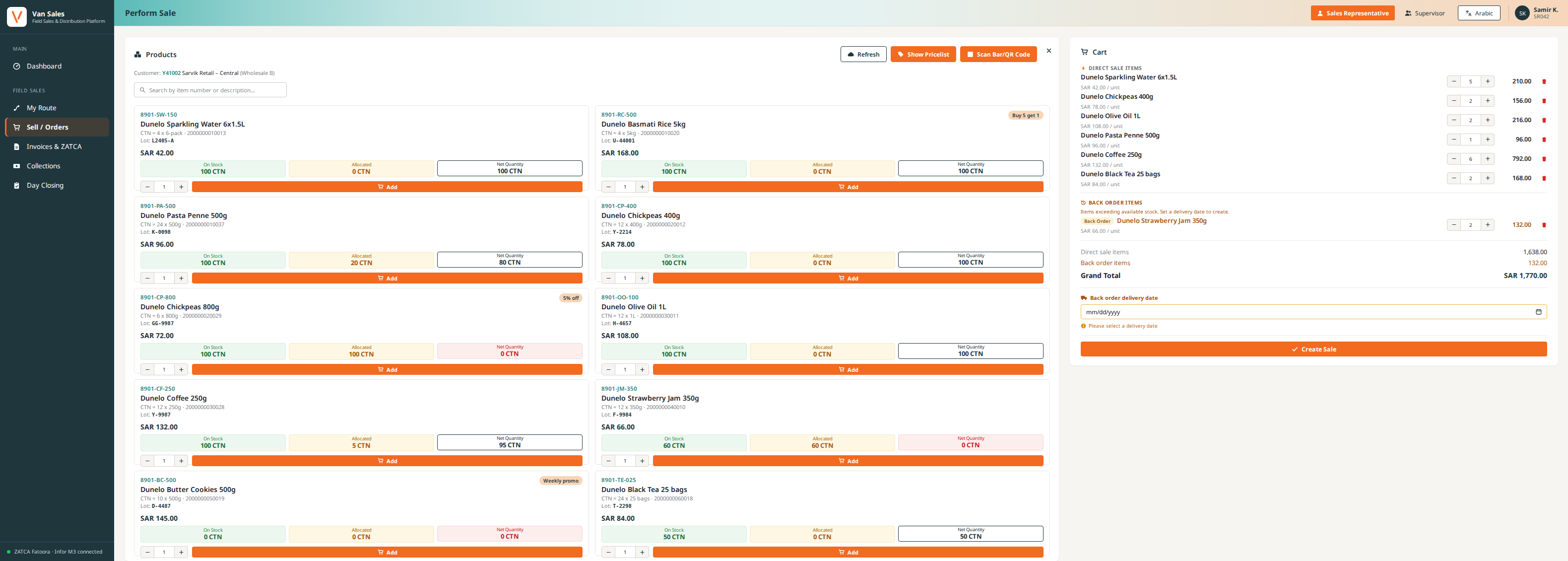
In this example, we build a Warehouse app to show how you can create barcode-driven apps for the way your warehouse actually works, on top of your existing M3 workflows and roles.
See it in action
Tell the App Builder what you need in your own words, and AI builds it for you on the spot.
Frequently asked questions (FAQ)
Licensing & Usage
-
Does it cost a lot to build apps?
No, building apps with the Vince App Builder is designed to be fast and cost-efficient.
As long as you have access to the App Builder on the Vince platform, creating and deploying apps can be done quickly and cost-effectively compared to traditional software development.
During development, there may be some consumption of AI tokens depending on how extensively AI-generated functionality is used. However, for most use cases these costs are relatively low and predictable. -
Do I need technical skills to build apps?
No. App Builder is designed for business users. You describe what you want, and the AI generates the app. No coding is required.
-
How long does it take to build an app?
It depends on how complex the app you want to build is. Simple apps are built in a few minutes, while large and complex apps naturally take a bit longer.
-
Can I modify an app after it’s created?
Yes. You can edit, extend, or regenerate any app at any time. Layout, logic, workflows, and fields can all be adjusted when needed.
Security & Access Control
-
Is App Builder secure?
Yes. No business data is sent to App Builder. Only workflow and table schemas are used.
-
Can anyone build an app using any workflow or table?
No. Users can only select workflows and tables they already have permission to access in Vince Platform.
-
Are apps isolated when they run?
Yes. All apps run inside a sandboxed iFrame, ensuring a controlled and secure execution environment.
-
How are permissions enforced when an app runs?
Apps follow both Vince Platform permissions and the permissions of the system connected to the workflow.
Example:
Even if you have access to a workflow listing cost prices in Vince Live, M3 permissions still apply. If you lack the right to view or update cost prices in M3, the app will not display or allow changes to that data.
-
Will users ever see data they’re not authorized for?
No. If a user is not allowed to run a workflow or read a table, the app will not expose that functionality.
-
How does App Builder avoid introducing security vulnerabilities?
By using existing workflows you’ve already tested and configured, rather than generating arbitrary new code. This approach avoids many of the common risks associated with blindly using AI to write new logic.
Data & Integrations
-
Can App Builder work with systems outside of M3?Yes. Any system offering REST APIs can be connected through a workflow in Vince Platform. Once the workflow exists, App Builder can use it.
-
Can I list data from external systems in an app?
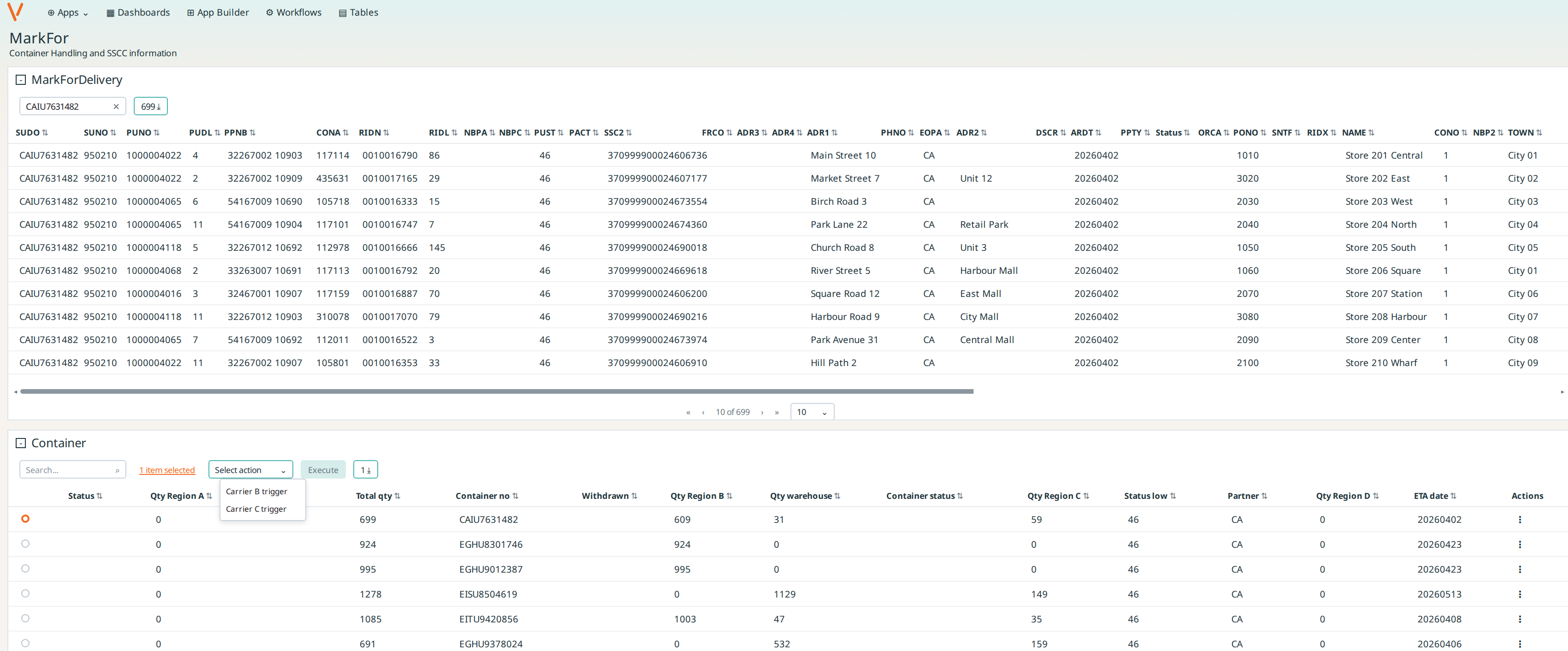
Yes. If a workflow retrieves data through an API, App Builder can generate listings with sorting, filtering, and search.
-
Can I add or update data in external systems?
Yes. If the workflow supports create or update operations, App Builder can generate forms for adding or modifying data.
-
Do I need to manage the API or authentication myself?
No. API configuration is handled inside the workflow in Vince Platform. The app automatically uses the same integration.
-
Can one app combine data from multiple systems?
Yes. You can build apps that use workflows calling M3, cloud services, internal APIs, or any REST-enabled system.
Functionality
-
Can my team use the apps on mobile?
Yes. All apps run in the browser and work seamlessly across desktop, tablet, and mobile.
-
Can I share the apps with specific users or teams?
Yes. Access is controlled by your existing roles and permissions in Vince Platform and connected systems.
-
Does App Builder work with all workflows I’ve created in Vince Live?
Yes. Any workflow available in Vince Platform can be used to build an app.
AI Behaviour
-
Can the AI misunderstand what I want?It can happen. If the result isn’t right, refine your prompt or regenerate the app. Clear instructions lead to better results.
-
Does the AI reuse my data to train models?
No. The AI only sees workflow and table schemas, and never your actual business data. Nothing is used for model training.
-
How can I get the best results from the AI?
Be specific about the actions, fields, and workflow logic you want the app to include. The more context you provide, the more accurate the result.
-
Can I combine AI-generated logic with my own adjustments?
Yes. The AI gives you a starting point, and you can fine-tune everything: Layout, fields, actions, logic, and workflows.
-
Is AI-generated logic reliable for production use?
Yes. The App Builder only uses proven workflows and table logic you already have in Vince Platform, and outputs are isolated in a sandboxed iFrame. This significantly reduces the risk seen in generic AI-generated code that hasn’t been vetted in context.
Maintenance
-
What happens when my workflows change?
You can update the app or regenerate it to reflect the latest workflow or table structure.
-
Do the apps require manual maintenance?
Only when your underlying processes change. Otherwise, apps continue to run smoothly on top of your workflows without extra upkeep.