







VINCE APP BUILDER
Build Apps with AI for your supply chain
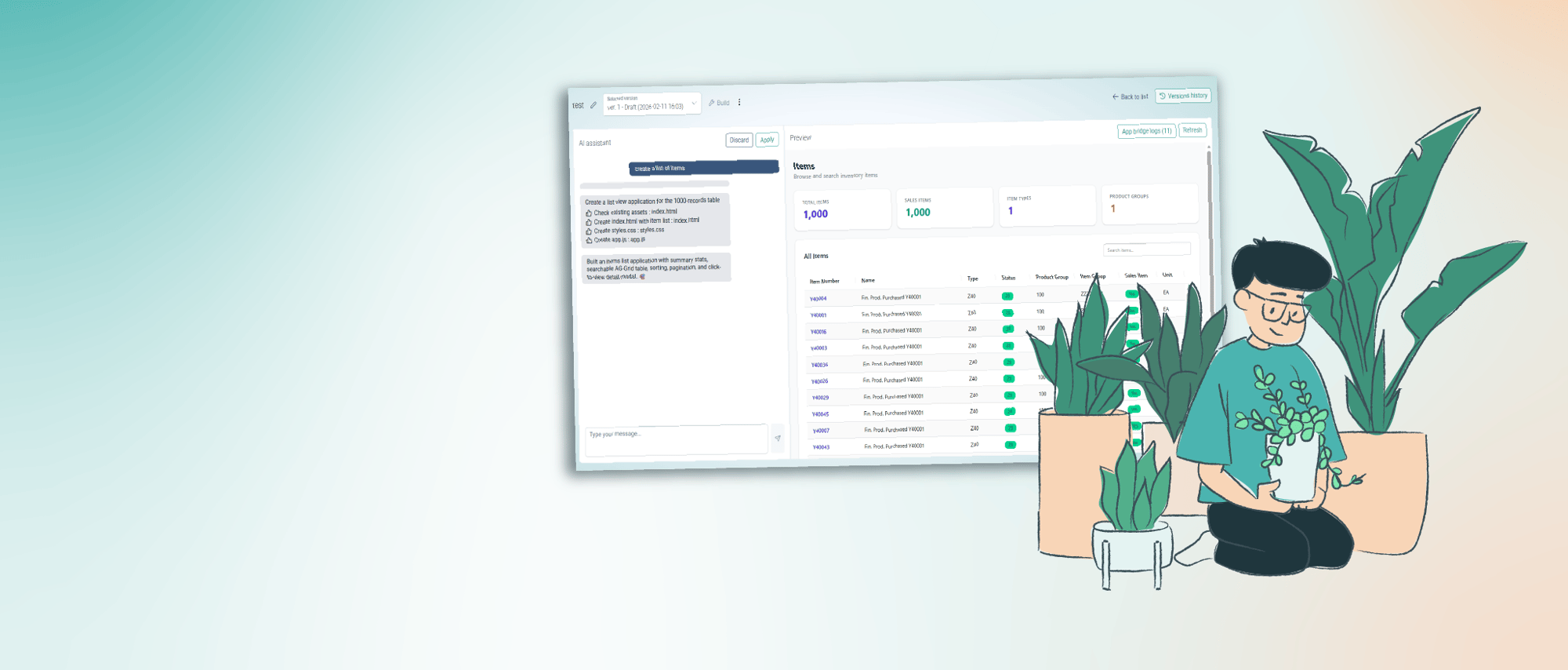
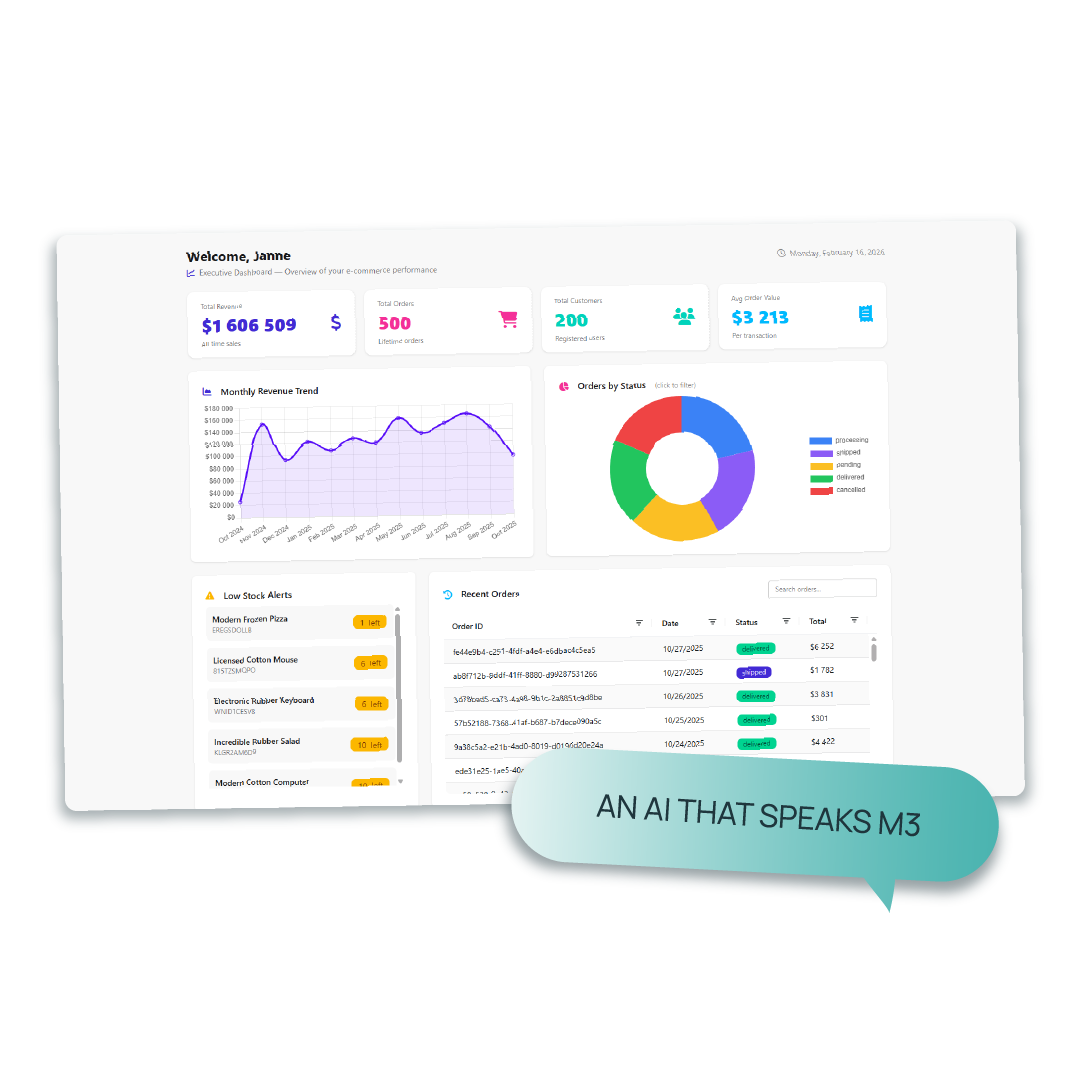
The Vince App Builder creates your apps in minutes. Just tell it what you want and let the AI do the rest, no coding needed.
Want it? Click here to show your interest.
What is SOD in Infor M3?
When working with Infor M3, you have to be able to document that your users don’t have conflicting functions, like being able to both change customer records and approve customer payments. The only way to document this is through a SOD analysis.
See it in action
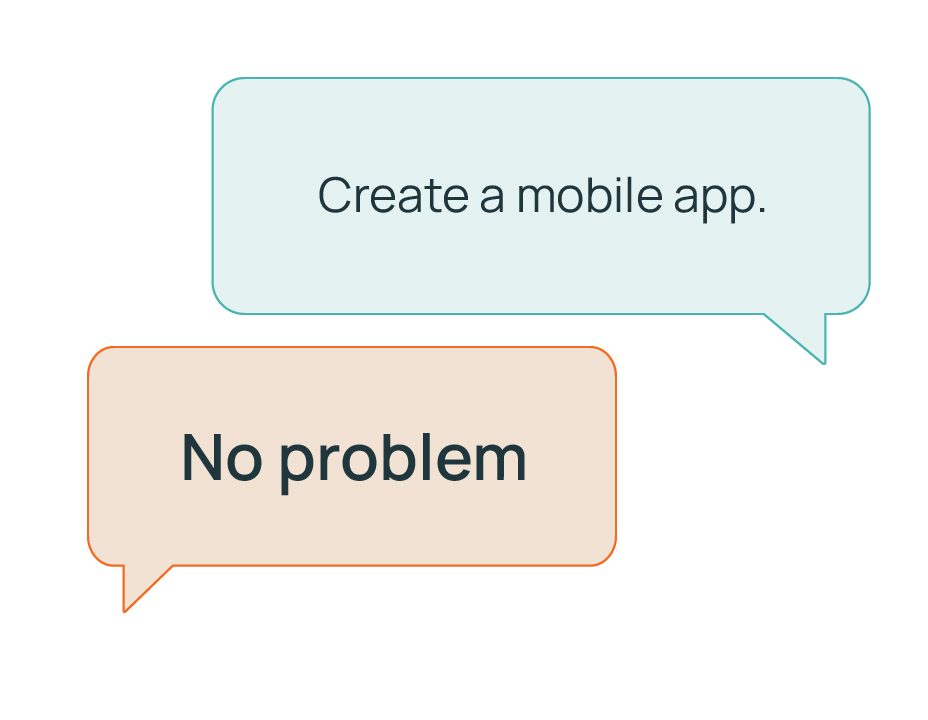
Tell the App Builder what you need in your own words, and AI builds it for you on the spot.
No code – just conversation
With AI, you can build a complete app in minutes. Use the data you like, connect the systems of your choice and make it look the way you want.
All you have to do is to write what you want in the chat, and the App Builder does the rest.
Built on the Vince Platform
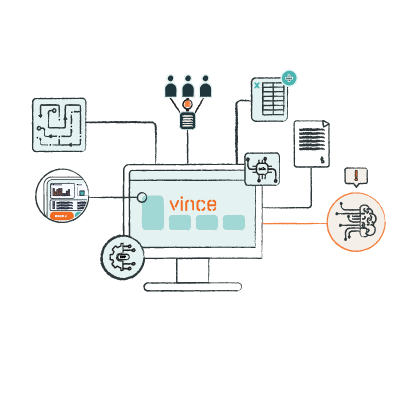
The AI App Builder is built on the powerful workflow engine in the Vince Platform. Your data is the foundation and building blocks of the App Builder.
No need to start from scratch – you are building on top of the workflows, tables and integrations you have set up in Vince.
Is App Builder secure?
Short answer, yes. You are only using existing workflows and table schemas to build the apps, so no business data is sent to the App Builder.
Apps run using the roles and security settings already defined in Vince and connected systems like Infor M3. Users can only access the data and workflows they are authorized to use. Without the right permissions, they won't be able to view or use the app.
No code – just conversation
With AI, you can build a complete app in minutes. Use the data you like, connect the systems of your choice and make it look the way you want.
All you have to do is to write what you want in the chat, and the App Builder does the rest.
Built on the Vince Platform
The AI App Builder is built on the powerful workflow engine in the Vince Platform. Your data is the foundation and building blocks of the App Builder.
No need to start from scratch – you are building on top of the workflows, tables and integrations you have set up in Vince.
Is App Builder secure?
Short answer, yes. You are only using existing workflows and table schemas to build the apps, so no business data is sent to the App Builder.
Apps run using the roles and security settings already defined in Vince and connected systems like Infor M3. Users can only access the data and workflows they are authorized to use. Without the right permissions, they won't be able to view or use the app.
Frequently asked questions (FAQ)
Licensing & Usage
-
Does it cost a lot to build apps?
No. Building apps is free as long as you have access to App Builder.
Users who run the apps must have the appropriate Vince Live licenses, so usage may have an associated cost depending on your setup.
-
Do I need technical skills to build apps?
No. App Builder is designed for business users. You describe what you want, and the AI generates the app. No coding is required.
-
How long does it take to build an app?
Most apps are created in seconds. Even more complex apps typically take less than a minute.
-
Can I modify an app after it’s created?
Yes. You can edit, extend, or regenerate any app at any time. Layout, logic, workflows, and fields can all be adjusted when needed.
Security & Access Control
-
Is App Builder secure?
Yes. No business data is sent to App Builder. Only workflow and table schemas are used.
-
Can anyone build an app using any workflow or table?
No. Users can only select workflows and tables they already have permission to access in Vince Live.
-
Are apps isolated when they run?
Yes. All apps run inside a sandboxed iFrame, ensuring a controlled and secure execution environment.
-
How are permissions enforced when an app runs?
Apps follow both Vince Live permissions and the permissions of the system connected to the workflow.
Example:
Even if you have access to a workflow listing cost prices in Vince Live, M3 permissions still apply. If you lack the right to view or update cost prices in M3, the app will not display or allow changes to that data.
-
Will users ever see data they’re not authorized for?
No. If a user is not allowed to run a workflow or read a table, the app will not expose that functionality.
Data & Integrations
-
Can App Builder work with systems outside of M3?Yes. Any system offering REST APIs can be connected through a workflow in Vince Live. Once the workflow exists, App Builder can use it.
-
Can I list data from external systems in an app?
Yes. If a workflow retrieves data through an API, App Builder can generate listings with sorting, filtering, and search.
-
Can I add or update data in external systems?
Yes. If the workflow supports create or update operations, App Builder can generate forms for adding or modifying data.
-
Do I need to manage the API or authentication myself?
No. API configuration is handled inside the workflow in Vince Live. The app automatically uses the same integration.
-
Can one app combine data from multiple systems?
Yes. You can build apps that use workflows calling M3, cloud services, internal APIs, or any REST-enabled system.
Functionality
-
Can my team use the apps on mobile?
Yes. All apps run in the browser and work seamlessly across desktop, tablet, and mobile.
-
Can I share the apps with specific users or teams?
Yes. Access is controlled by your existing roles and permissions in Vince Live and connected systems.
-
Does App Builder work with all workflows I’ve created in Vince Live?
Yes. Any workflow available in Vince Live can be used to build an app.
AI Behaviour
-
Can the AI misunderstand what I want?It can happen. If the result isn’t right, refine your prompt or regenerate the app. Clear instructions lead to better results.
-
Does the AI reuse my data to train models?
No. The AI only sees workflow and table schemas, and never your actual business data. Nothing is used for model training.
-
How can I get the best results from the AI?
Be specific about the actions, fields, and workflow logic you want the app to include. The more context you provide, the more accurate the result.
-
Can I combine AI-generated logic with my own adjustments?
Yes. The AI gives you a starting point, and you can fine-tune everything: Layout, fields, actions, logic, and workflows.
Maintenance
-
What happens when my workflows change?
You can update the app or regenerate it to reflect the latest workflow or table structure.
-
Do the apps require manual maintenance?
Only when your underlying processes change. Otherwise, apps continue to run smoothly on top of your workflows without extra upkeep.
Handle SOD in seconds
The SOD module comes with ready-made SOD rules to get you started right away. It automatically scans and flags conflicting M3 functions and keeps track of all violations so you can take action immediately.
SOD Rules: Why do they matter?
Running a SOD analysis means going through all the functions in M3 and deciding which ones are compatible and which ones are not. This is an enormous task.
We have done this job for you, and our SOD rules are tried and tested by many of our customers. By using our preloaded rules, you can lean back and know that you are safe and compliant.