


2 min read
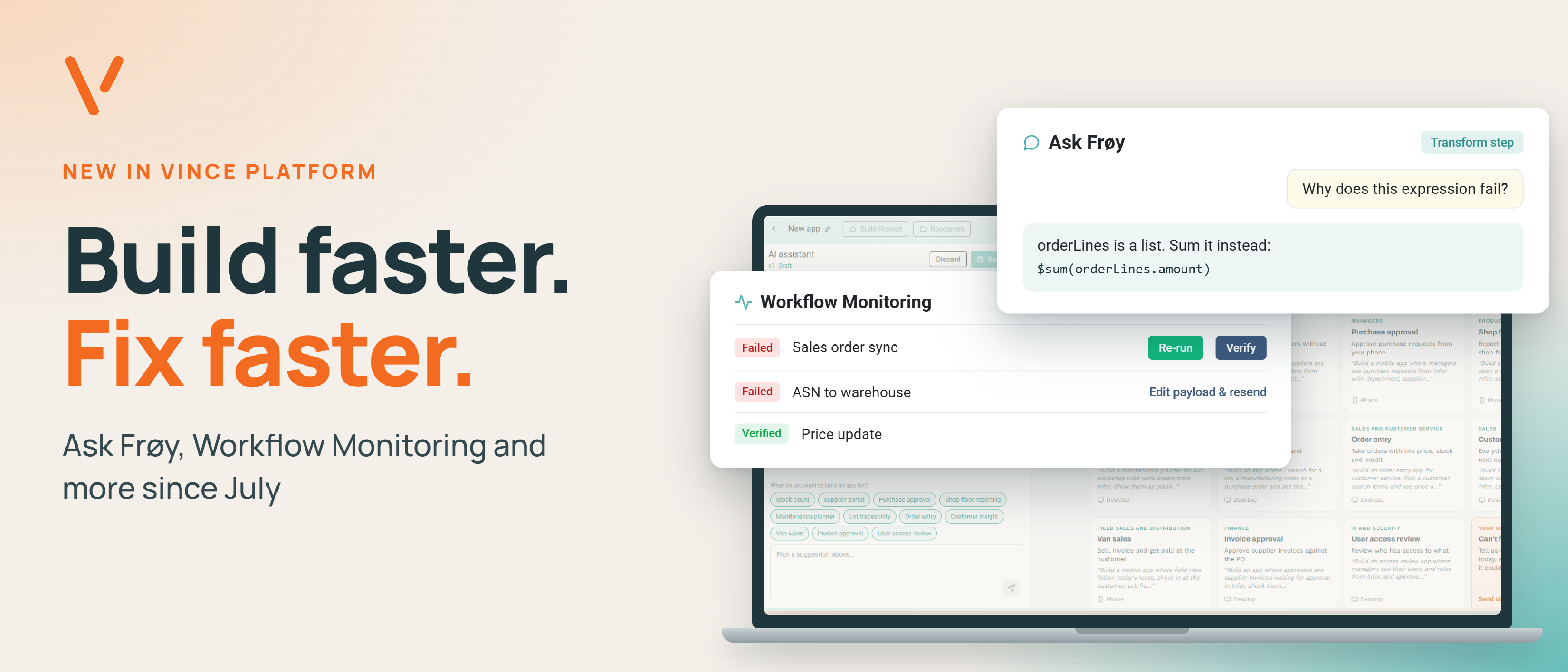
One integration is easy to keep an eye on. Twenty workflows across M3, your warehouse system, webshop and POS are not. Since July we have shipped nine releases of Vince Platform. Here is what matters most, grouped by what it helps you do.
Build faster with AI and App Builder
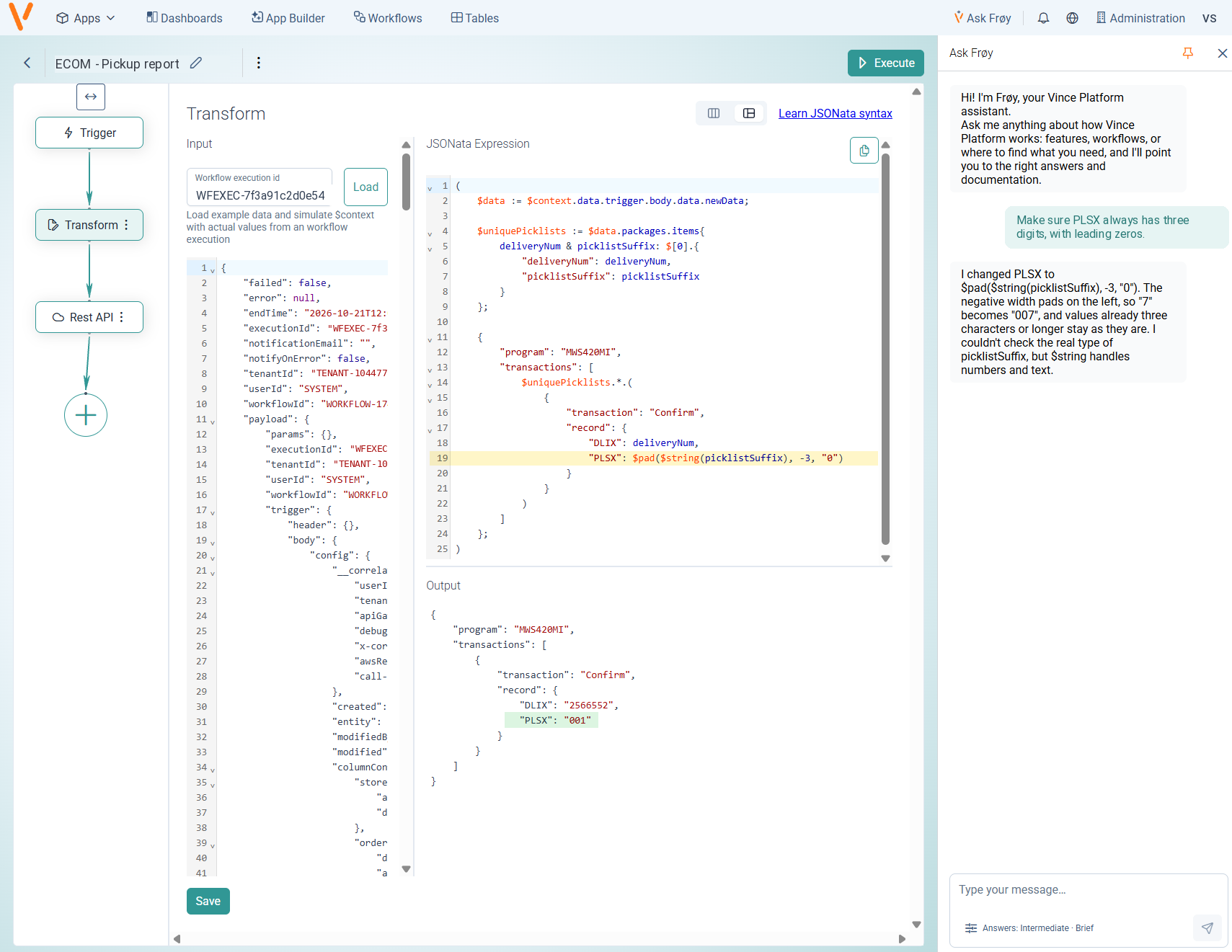
Ask Frøy: help right where you work.
Ask Frøy is the new assistant in the platform header. It knows which page you are on and answers questions about Vince Platform with links to the documentation. Ask it to help you build a workflow, write or debug a JSONata expression, set up a connection or understand an error message.
In the Transform step it can explain what went wrong and write a corrected expression straight into the editor. Test it, then save.
You can tune the answers to your experience level and department.
See what AI usage costs.
A new Cost overview in App Builder shows how much AI usage your apps generate and what it costs: total cost, tokens and sessions over time. Filter by connection, user, label, model and period, and see the split between input, output and cache tokens.
Create an M3 workflow without leaving App Builder.
Pick a connection, program and transaction, and the new workflow is ready to use in your app right away, with no test run needed.
Run your workflows with confidence
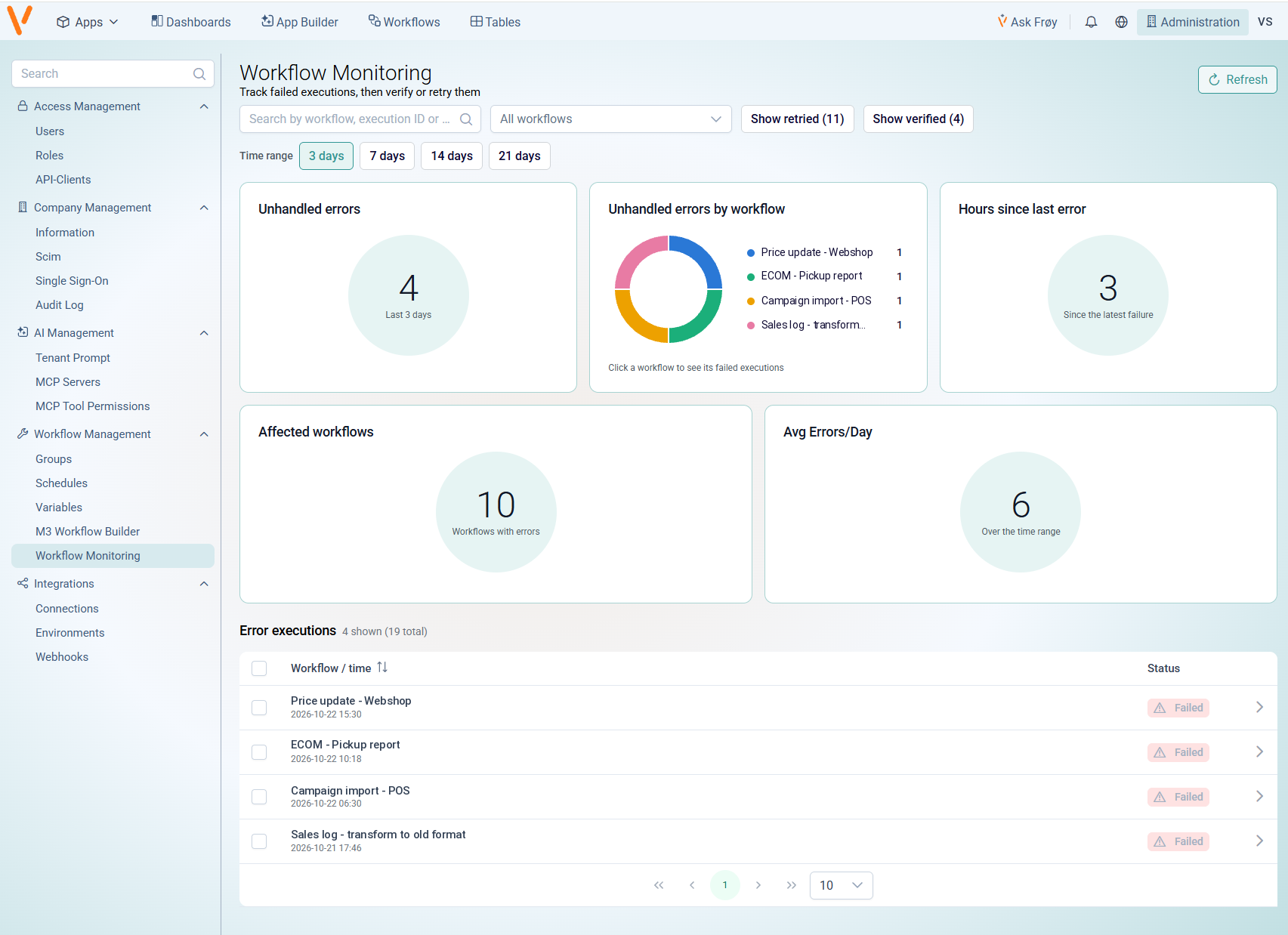
Workflow Monitoring: every failure, one place. A workflow that fails at 2 a.m. should not wait for someone to stumble over it.
Workflow Monitoring gives you one page for failed workflow runs, with an overview of unhandled errors, affected workflows, time since the last failure and average errors per day. From there you can re-run a failed execution, edit the input and send it again, or mark it as handled, up to 50 at a time.
This is not an experiment. It is a capability that has been catching failures in production, now standard in Vince Platform. Combine it with execution keys, like an order number, and you can find any run by a business value.
Read more about Workflow Monitoring
One workflow, several environments.
The Table Updater step can now write to a different table depending on the environment the workflow runs in, with a default table as fallback. Use the same workflow in test and production without changing its setup.
With Vince, you see every failed run – and fix it from one place.
Connect securely to more systems
A dedicated outbound IP address.
Send traffic from a fixed IP address that only your organisation uses. It is made for external systems and firewalls that only accept approved addresses, and for security policies that do not allow an address shared with other customers. Contact Vince support to set it up.
SOCKS5 proxy support.
Expanded proxy options now support raw socket connections, so a Code step can reach TCP-based systems such as SQL Server. Dedicated IP settings now require a SOCKS5 port, which helps prevent incomplete connection setups.
SMS verification at sign-in.
Organisations that sign in with email and password can add an extra verification step with a code sent by SMS. Contact Vince support to turn it on.
Also new since July
- Webhook triggers: start a workflow from another system by calling a URL.
- Apps that talk to their surroundings: AI apps can exchange messages with the application they run in, such as Infor OS.
- More choice of AI models: App Builder supports Amazon Bedrock models in addition to Anthropic models.
- More control while building: stop an AI response mid-way, and undo the last prompt.
- A better Transform editor: choose your layout and keep your test input when you reopen the step.
- Read-only mode and smarter search for workflows, plus an email step with preview.
- Bulk user management, AI permissions in roles and a tidier Administration menu.
All the details are in the release notes.
Let us help you get started!
All of this is in Vince Platform now. Want a walkthrough? Book a demo.